Skip to content

Map Projections

How to use
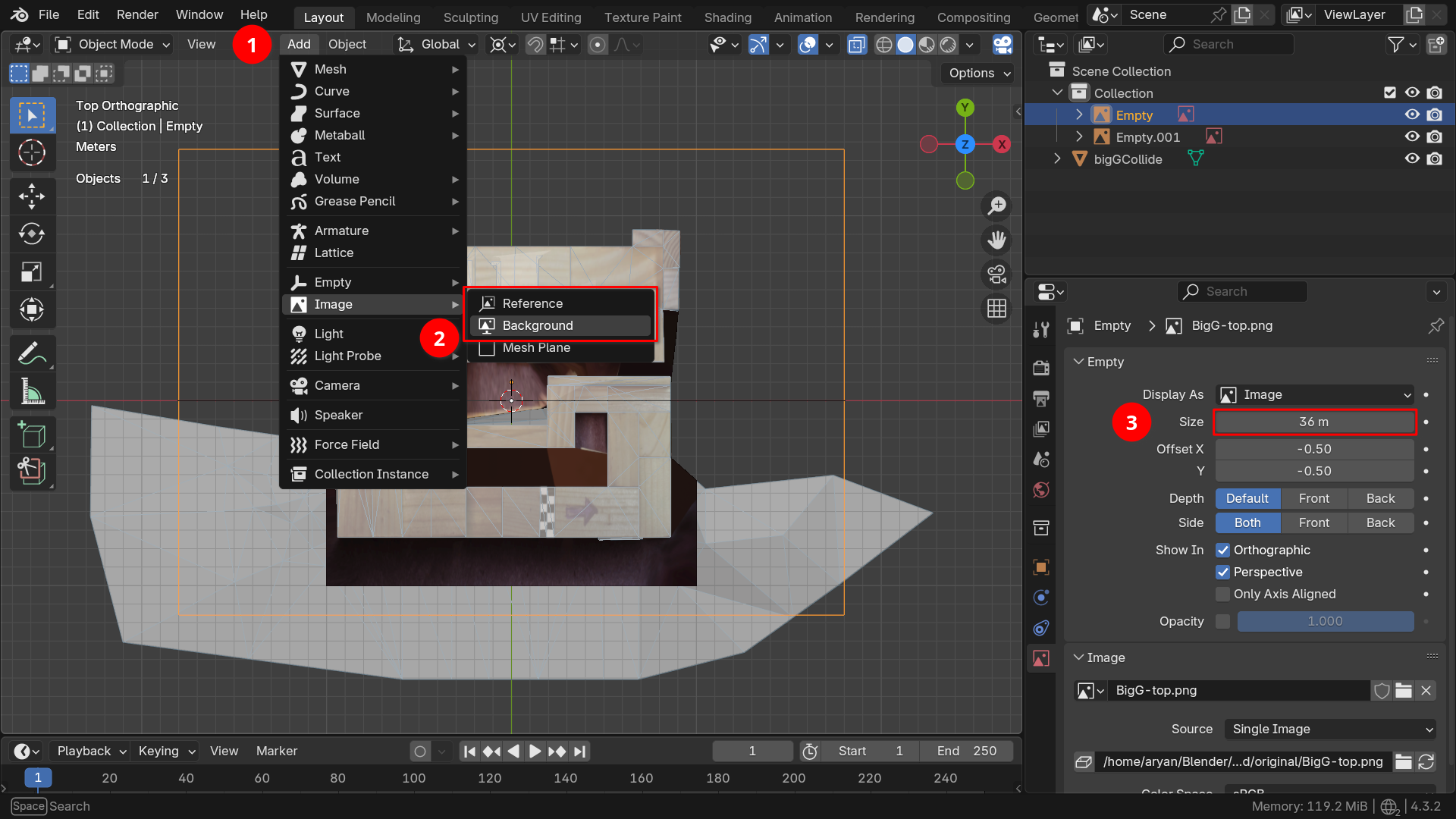
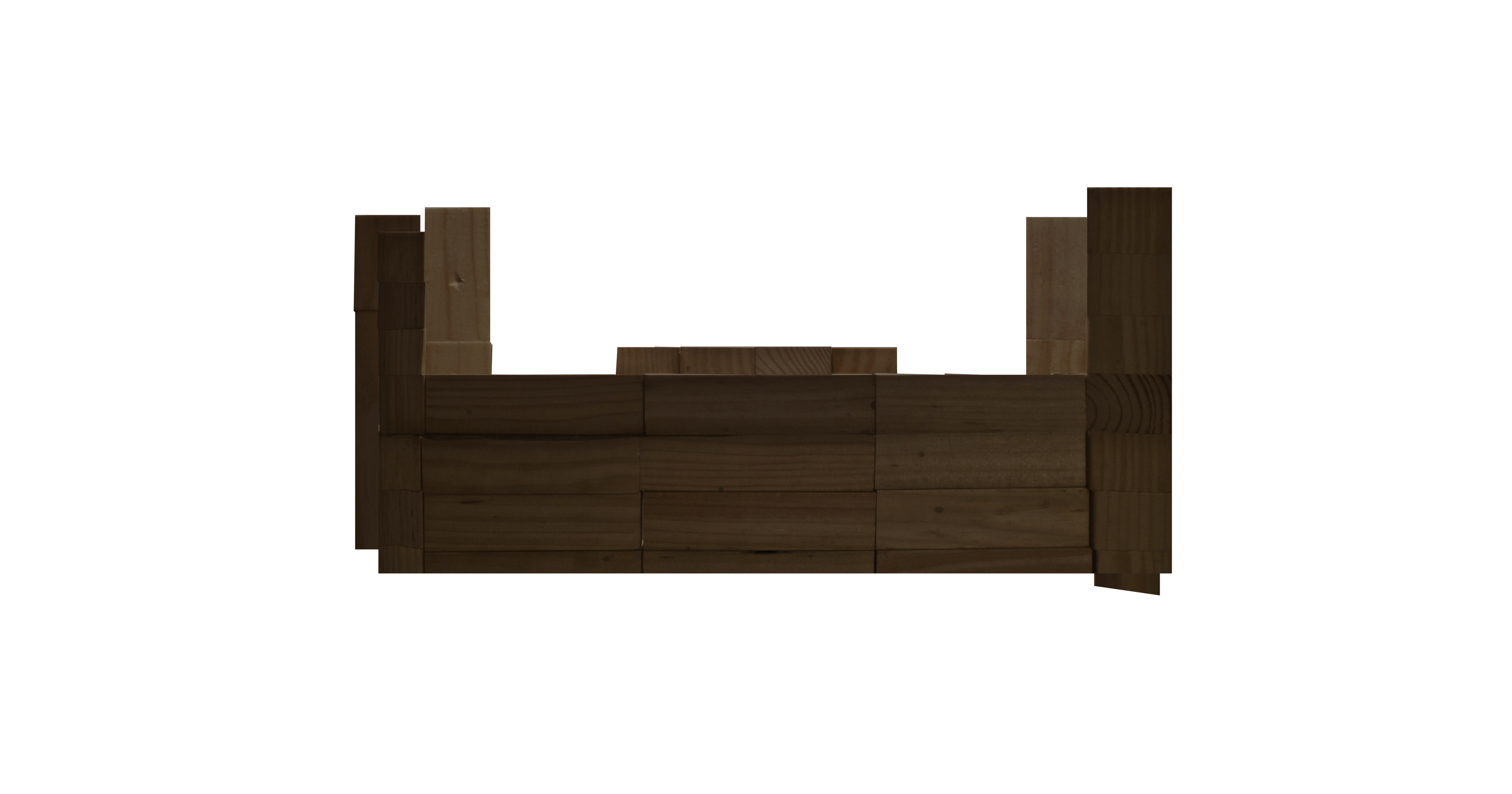
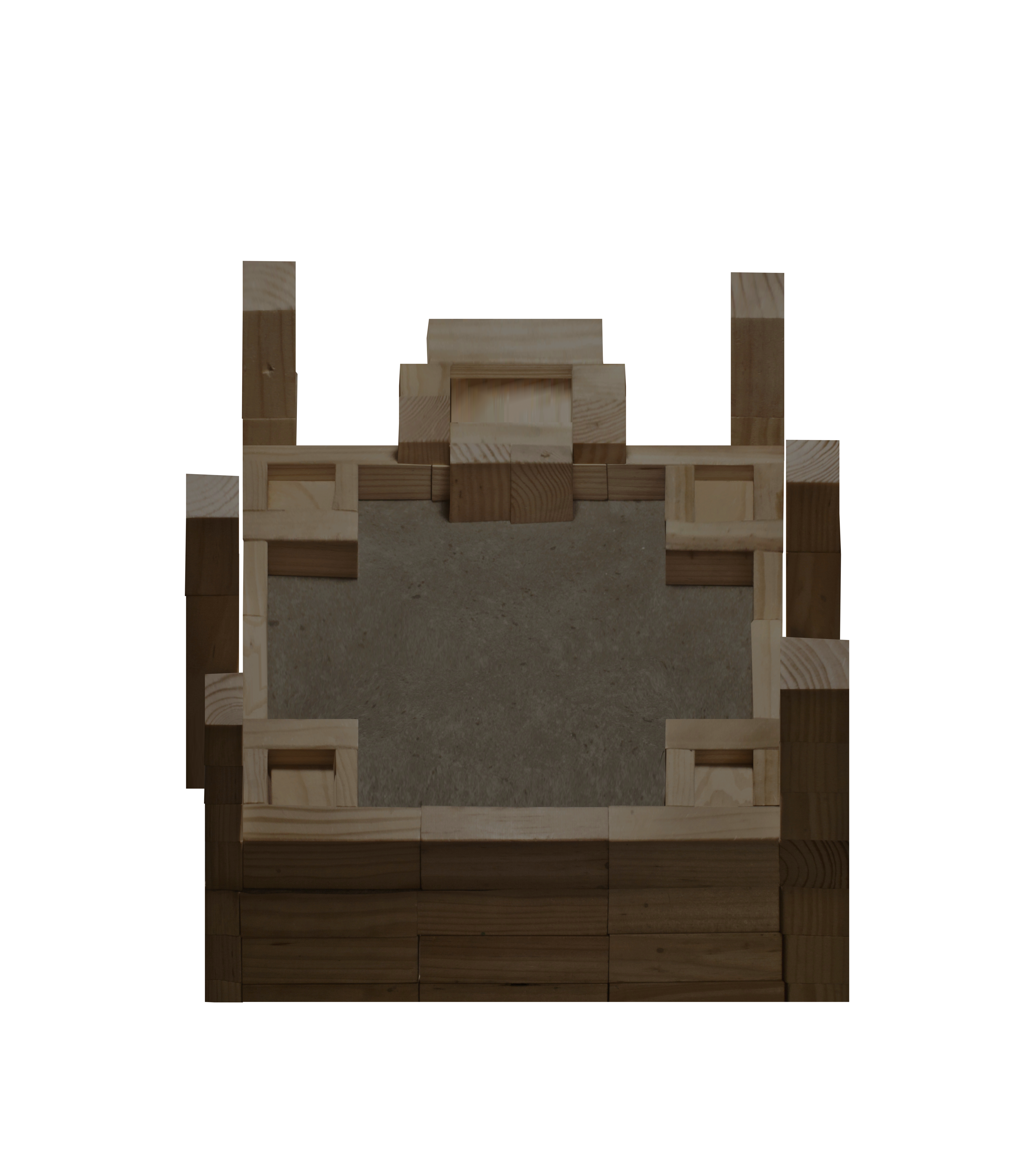
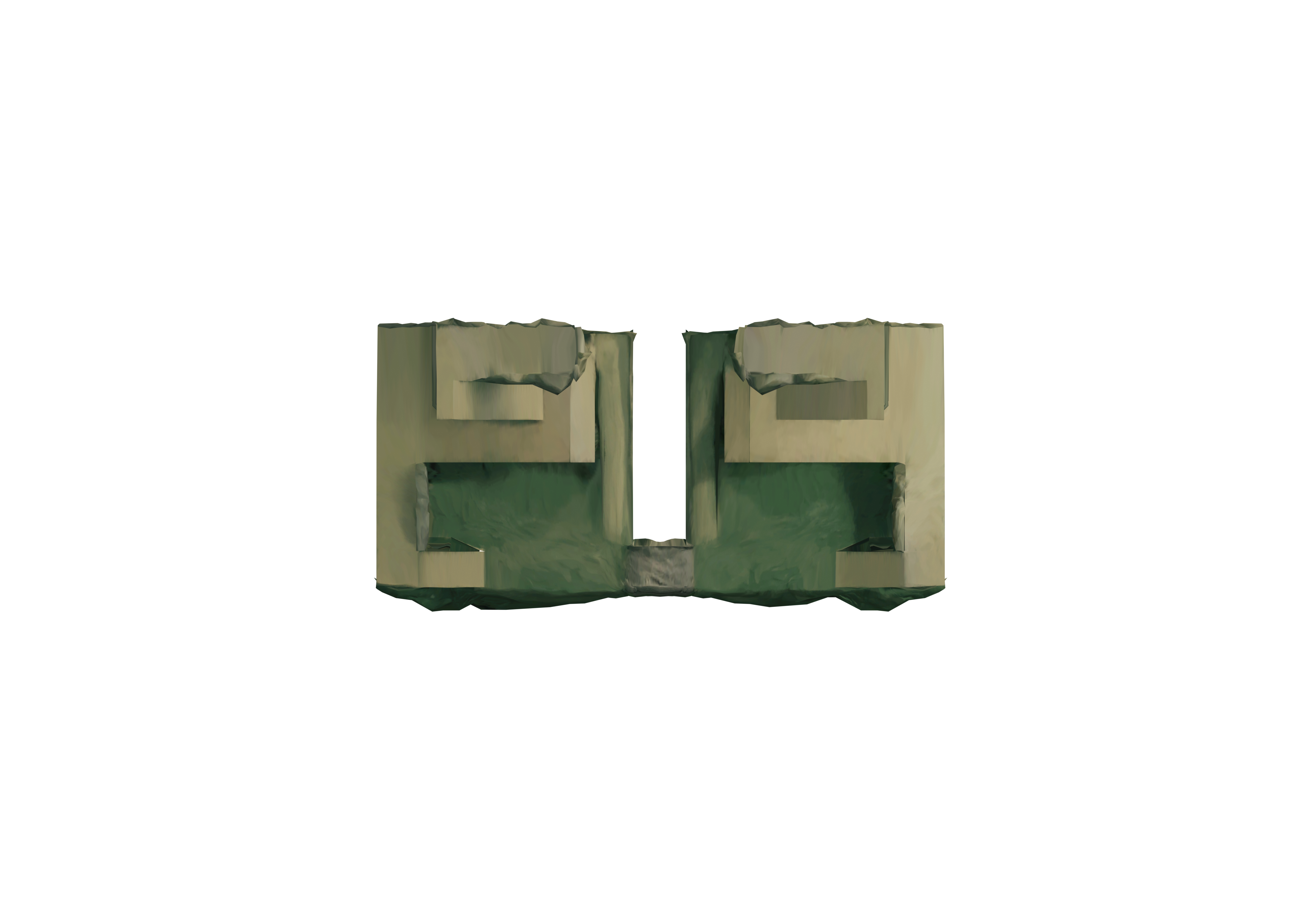
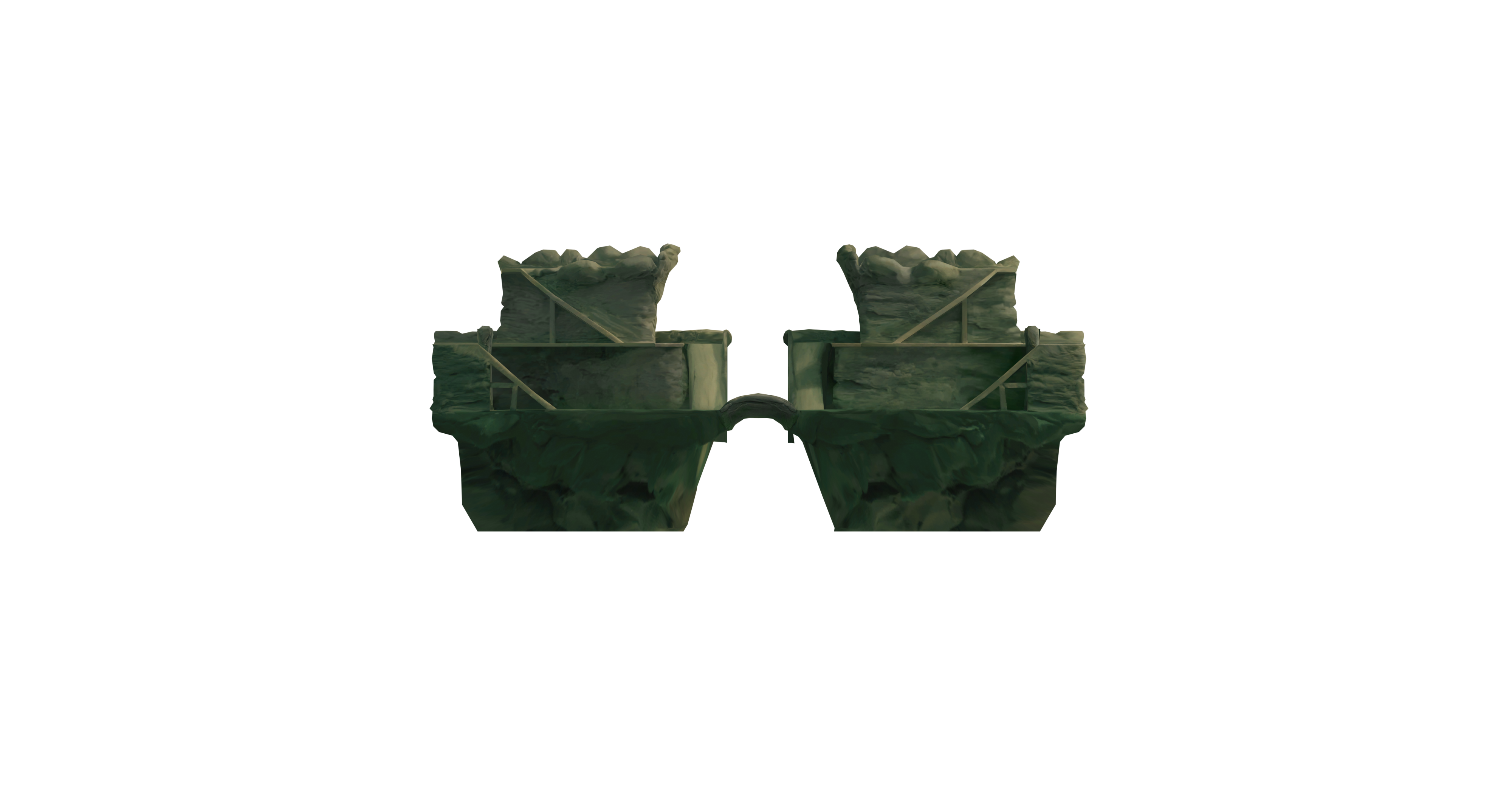
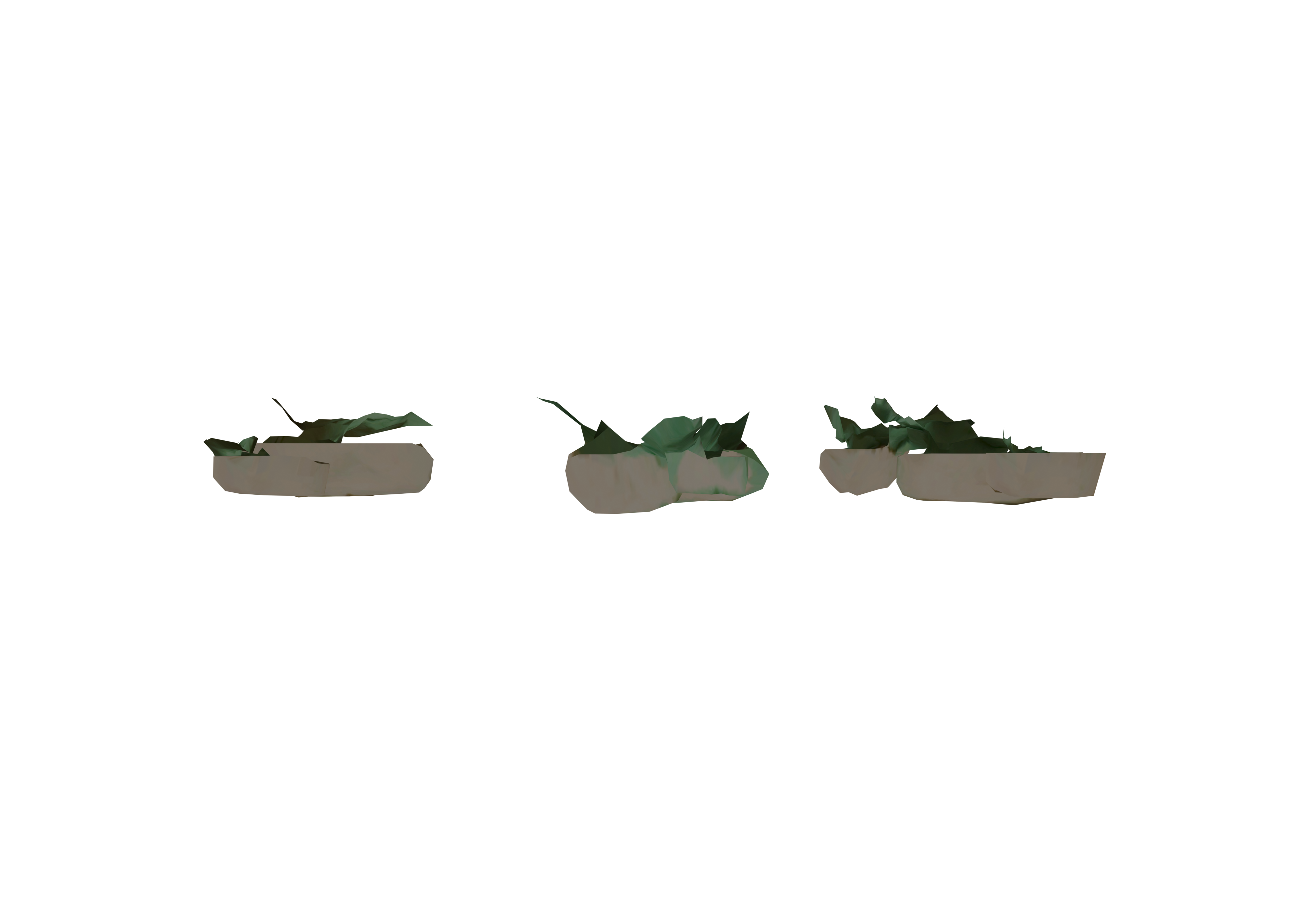
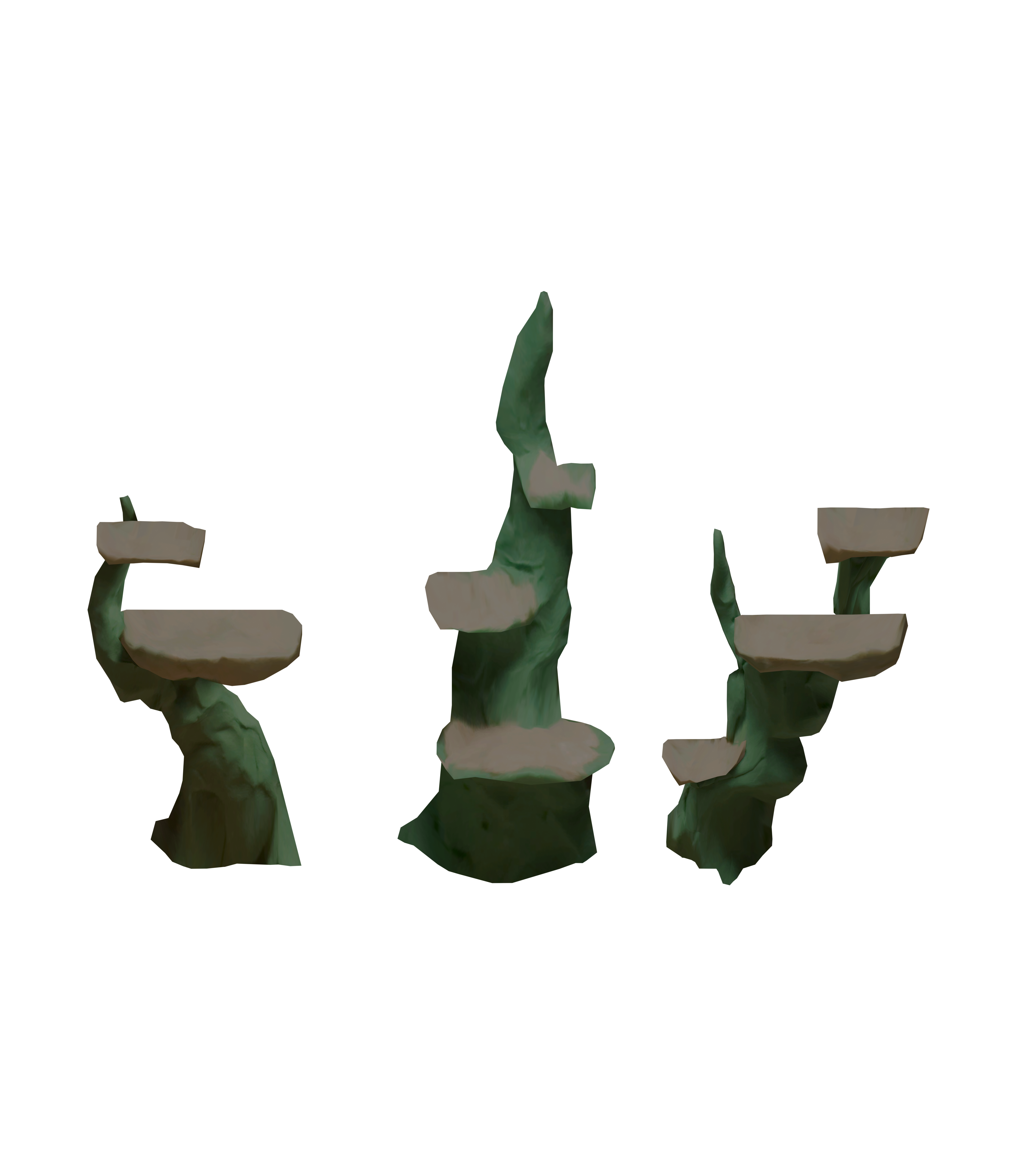
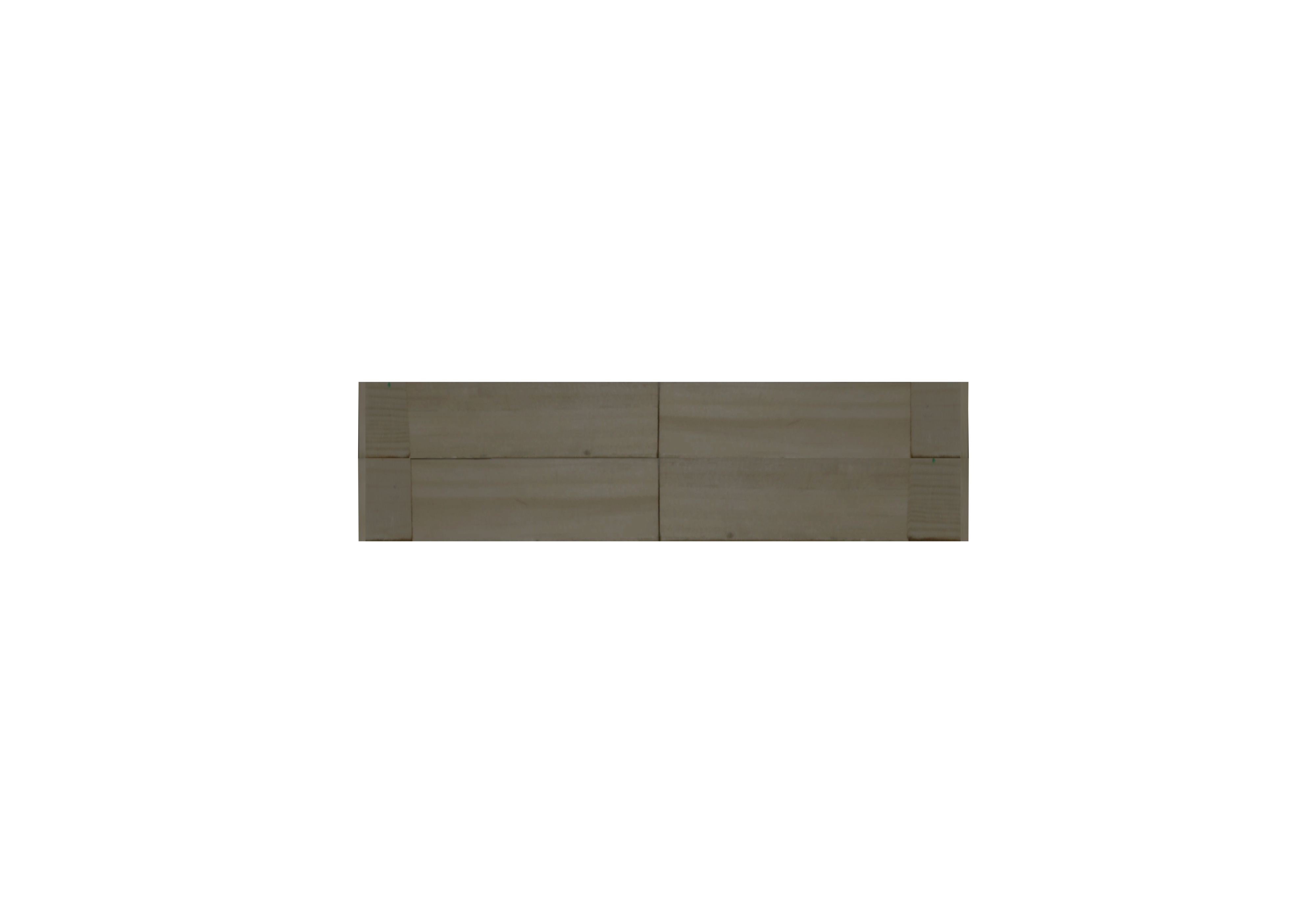
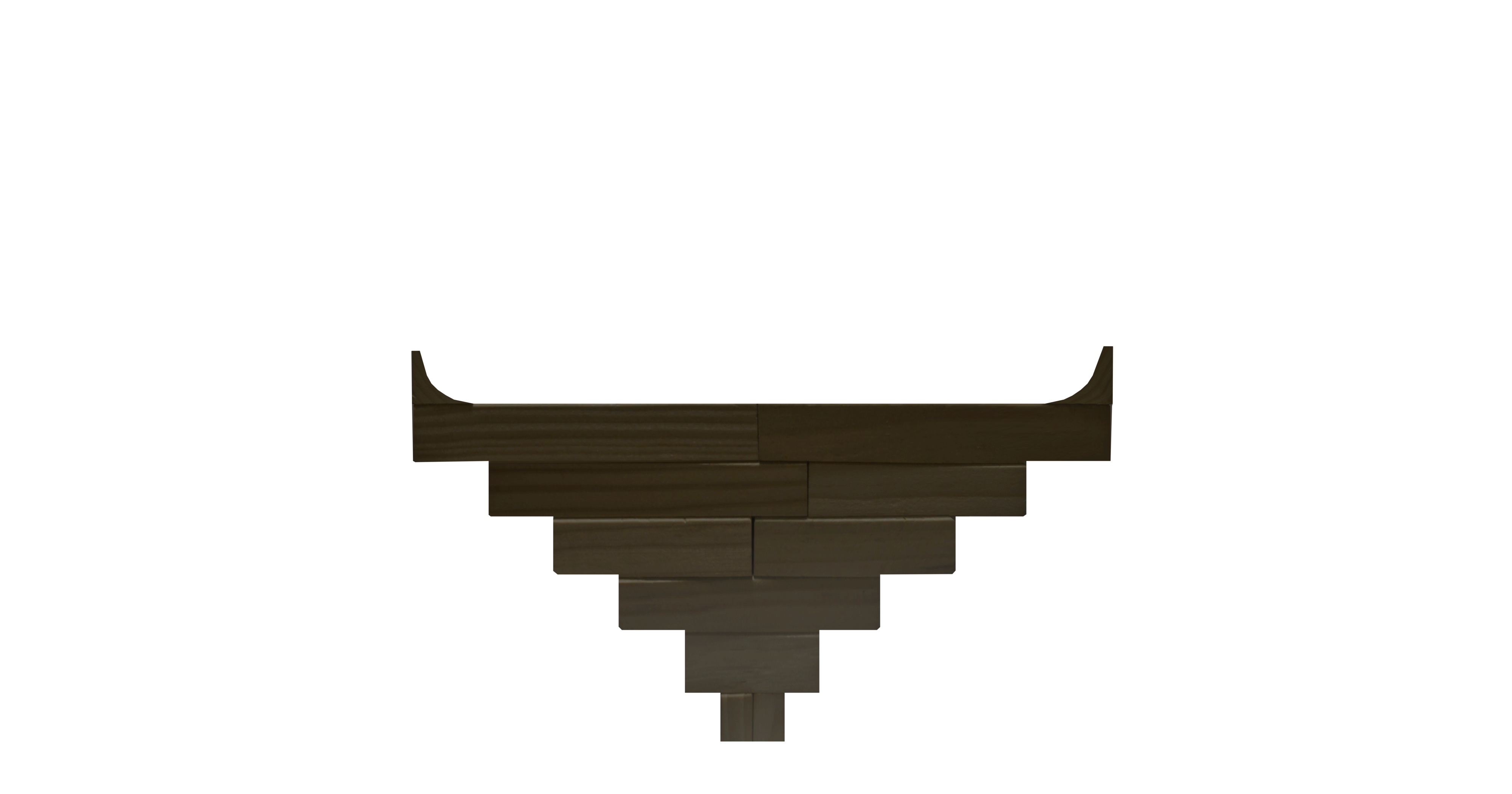
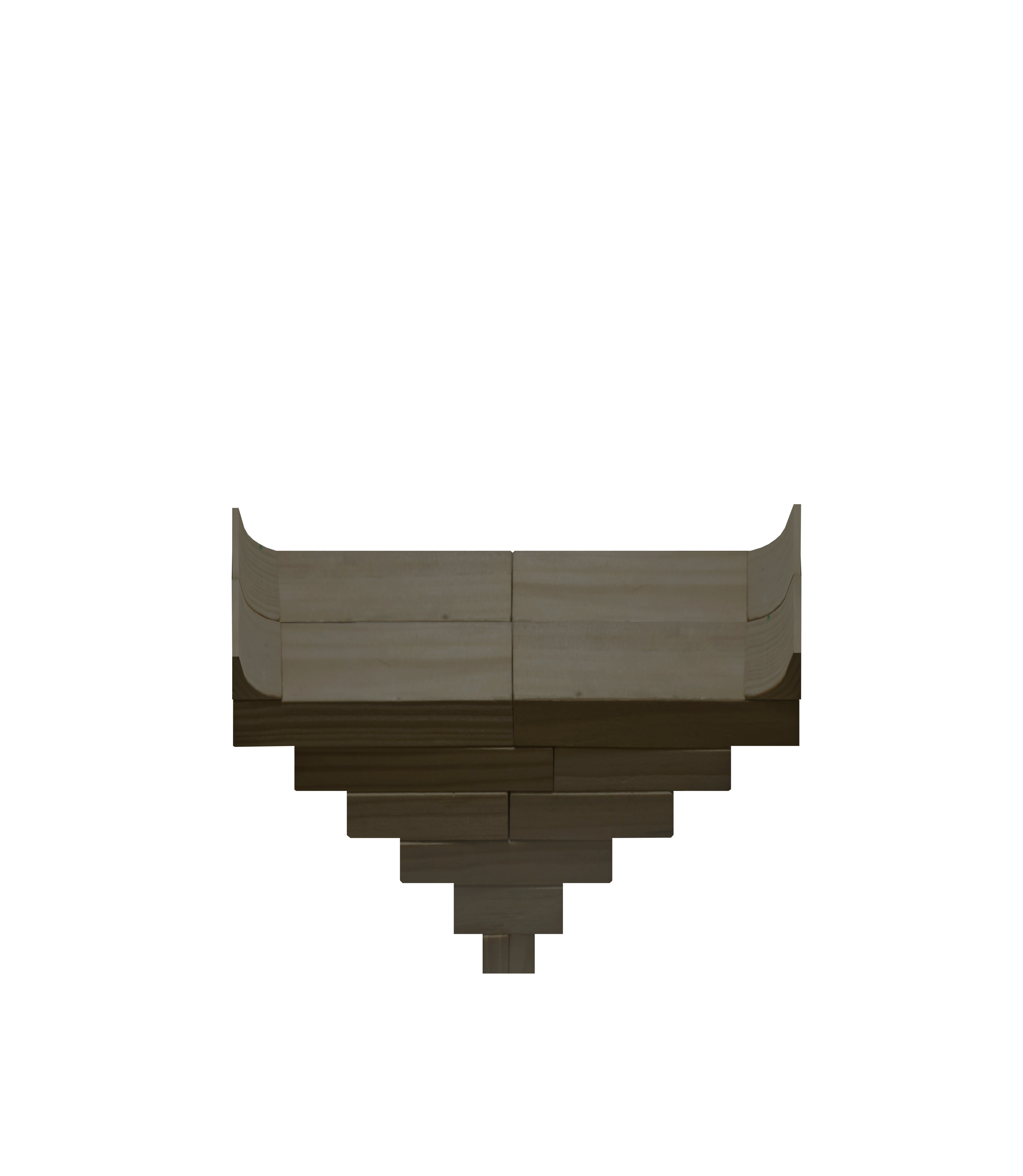
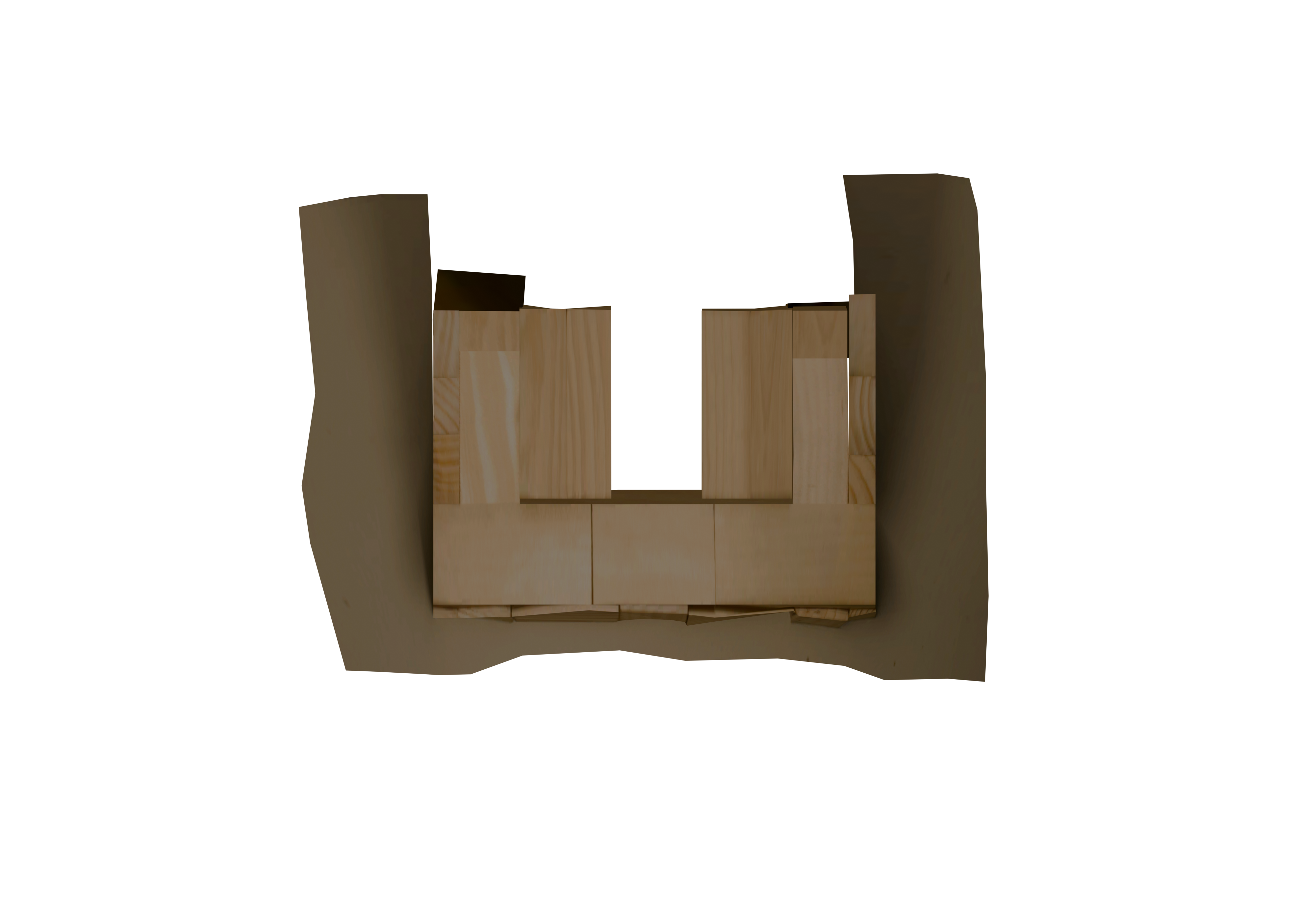
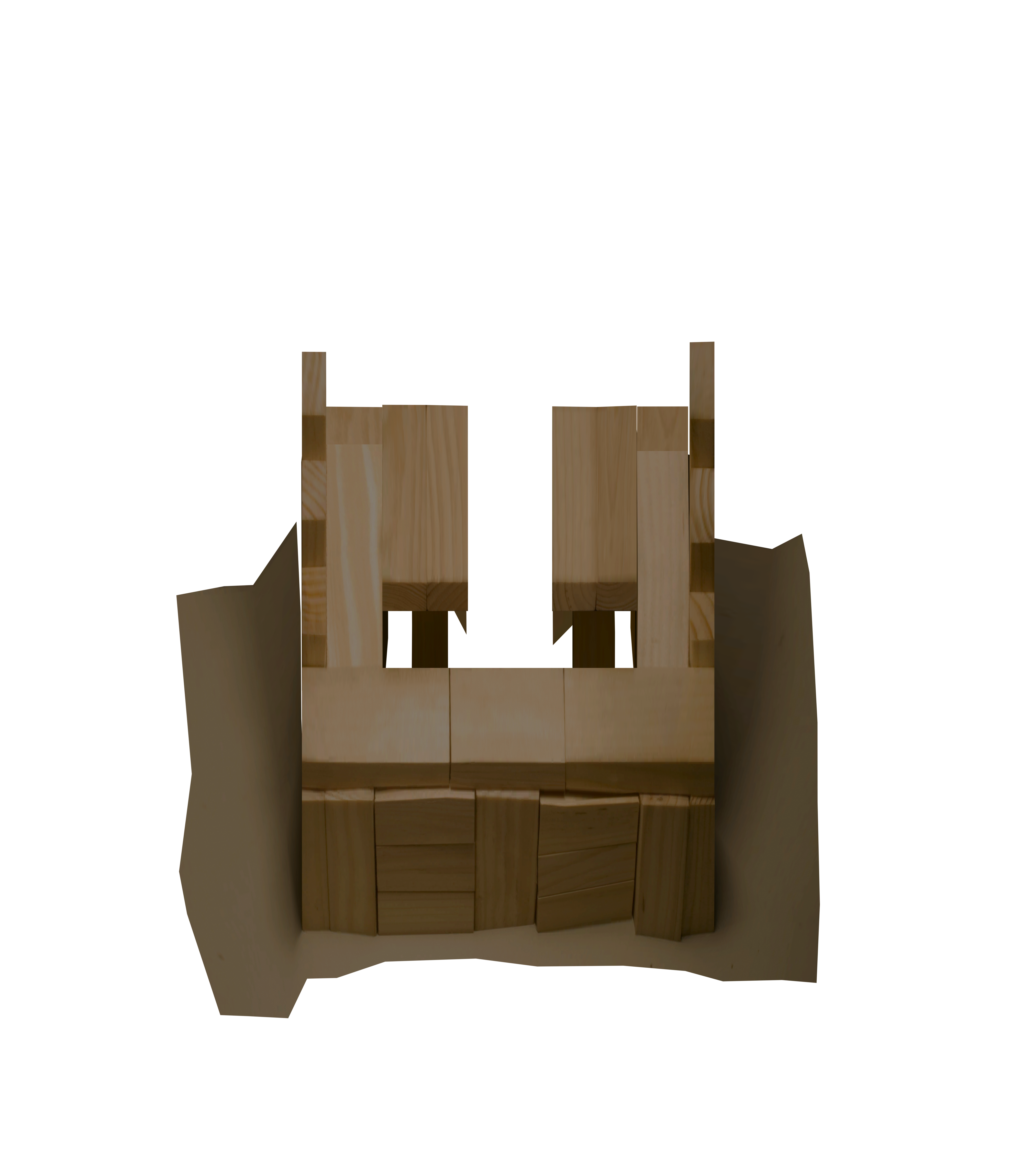
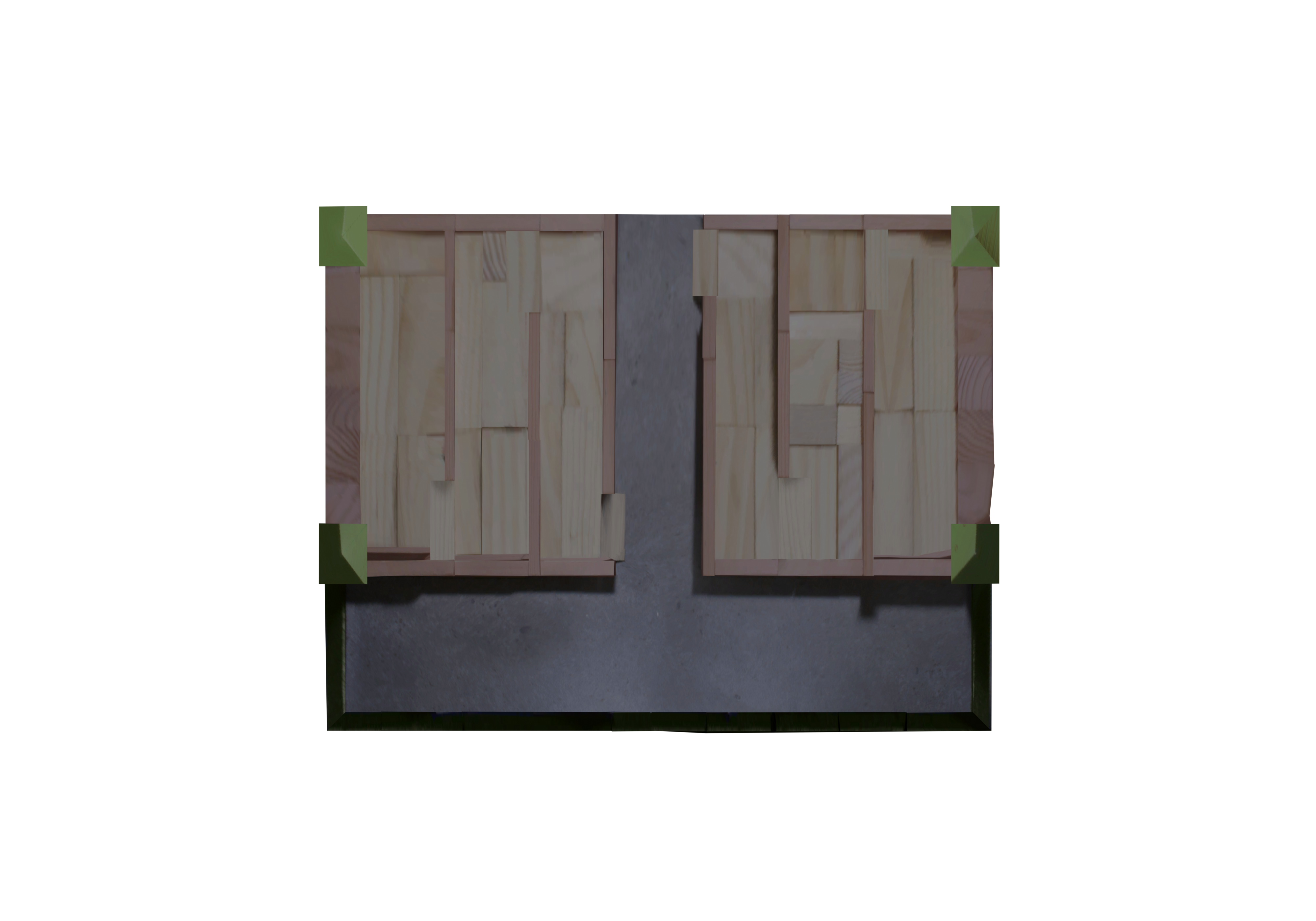
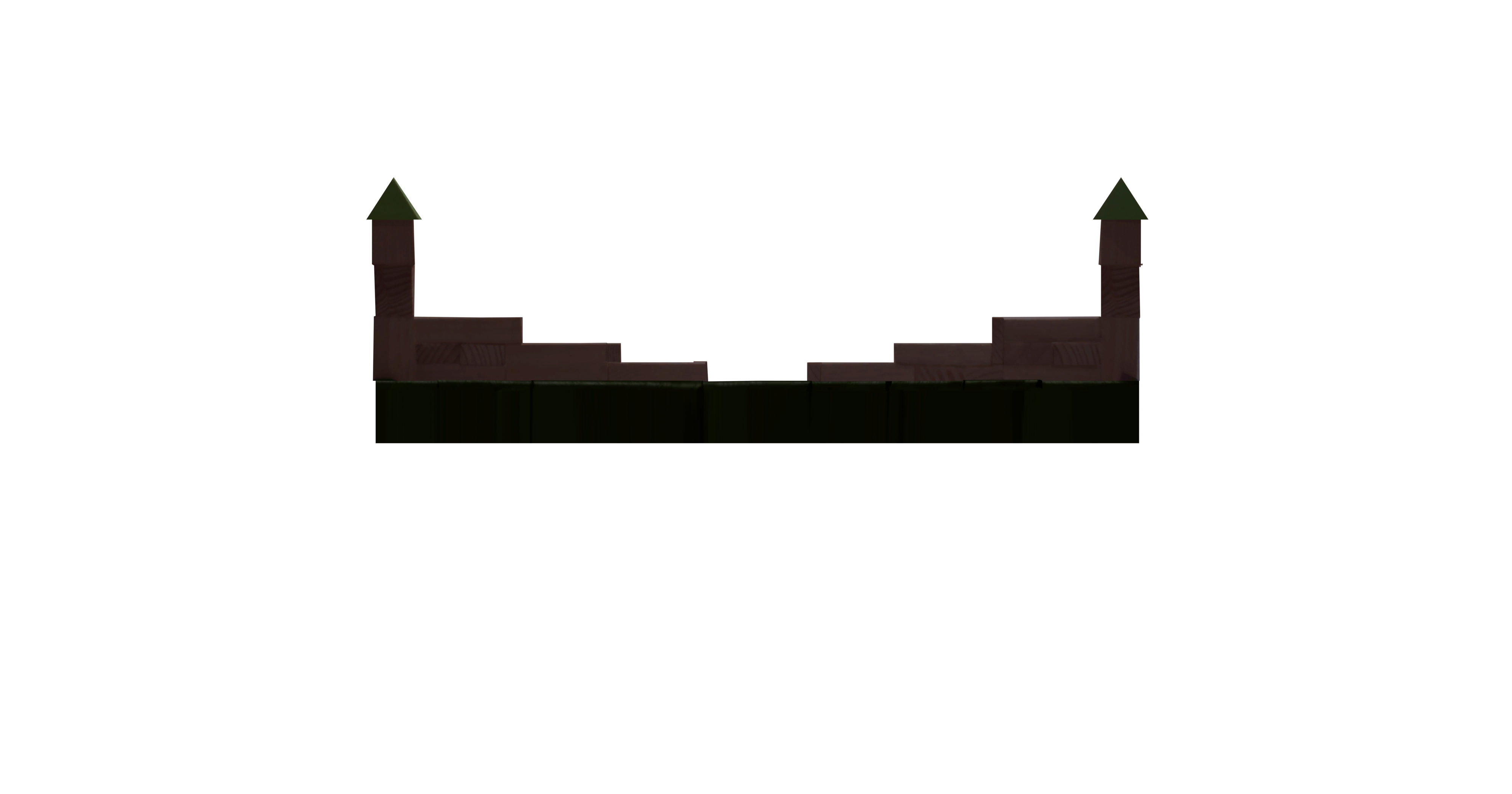
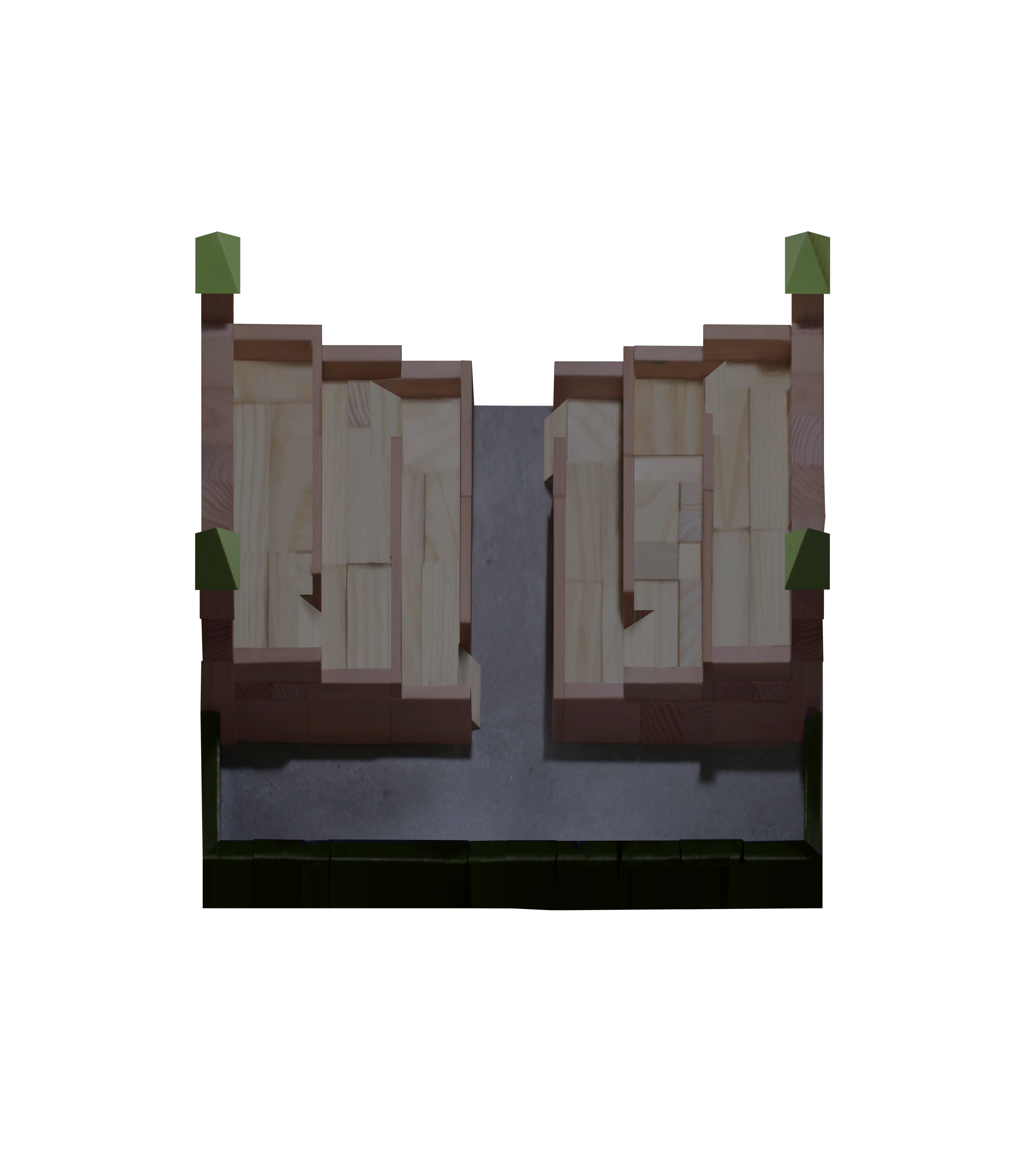
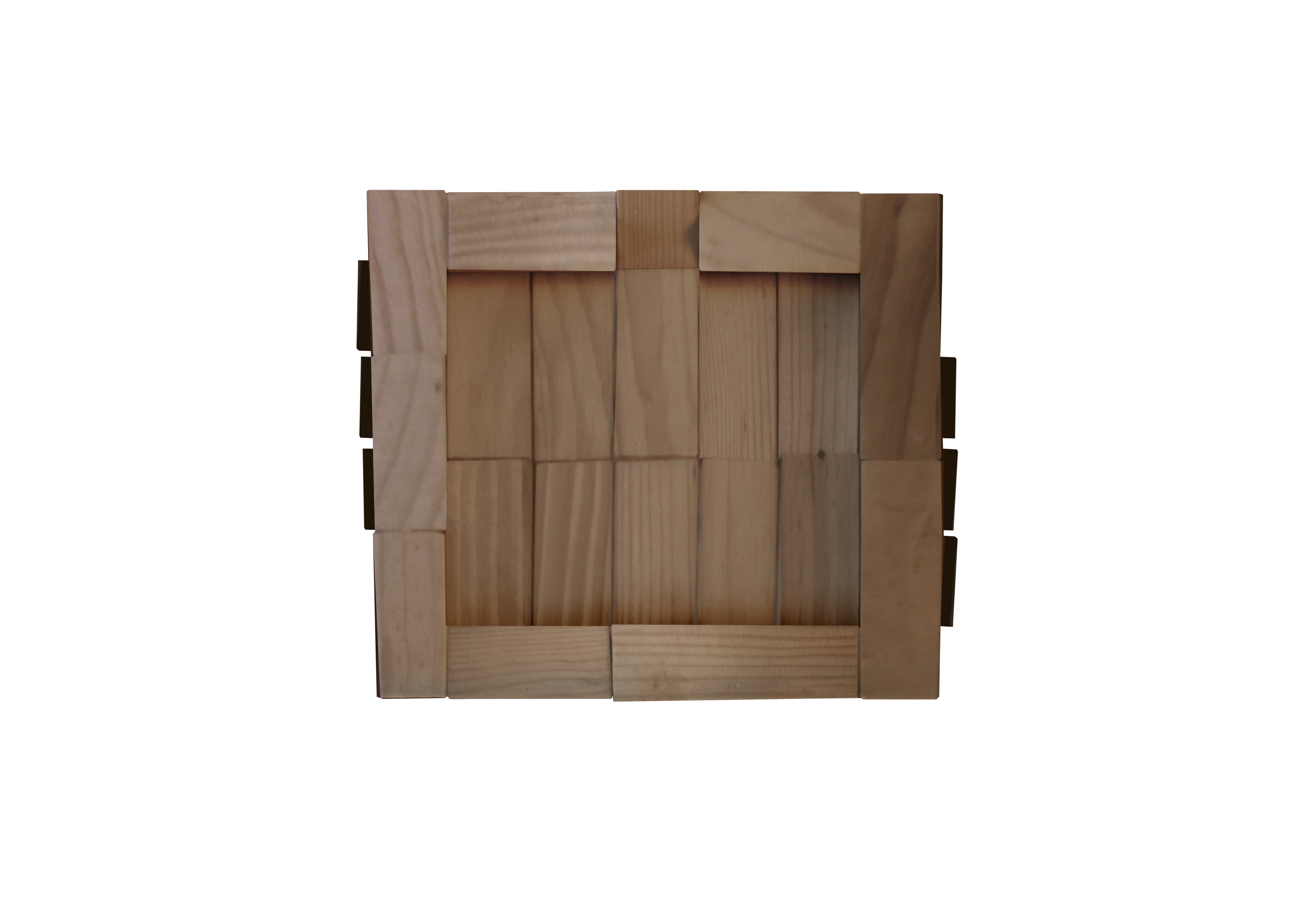
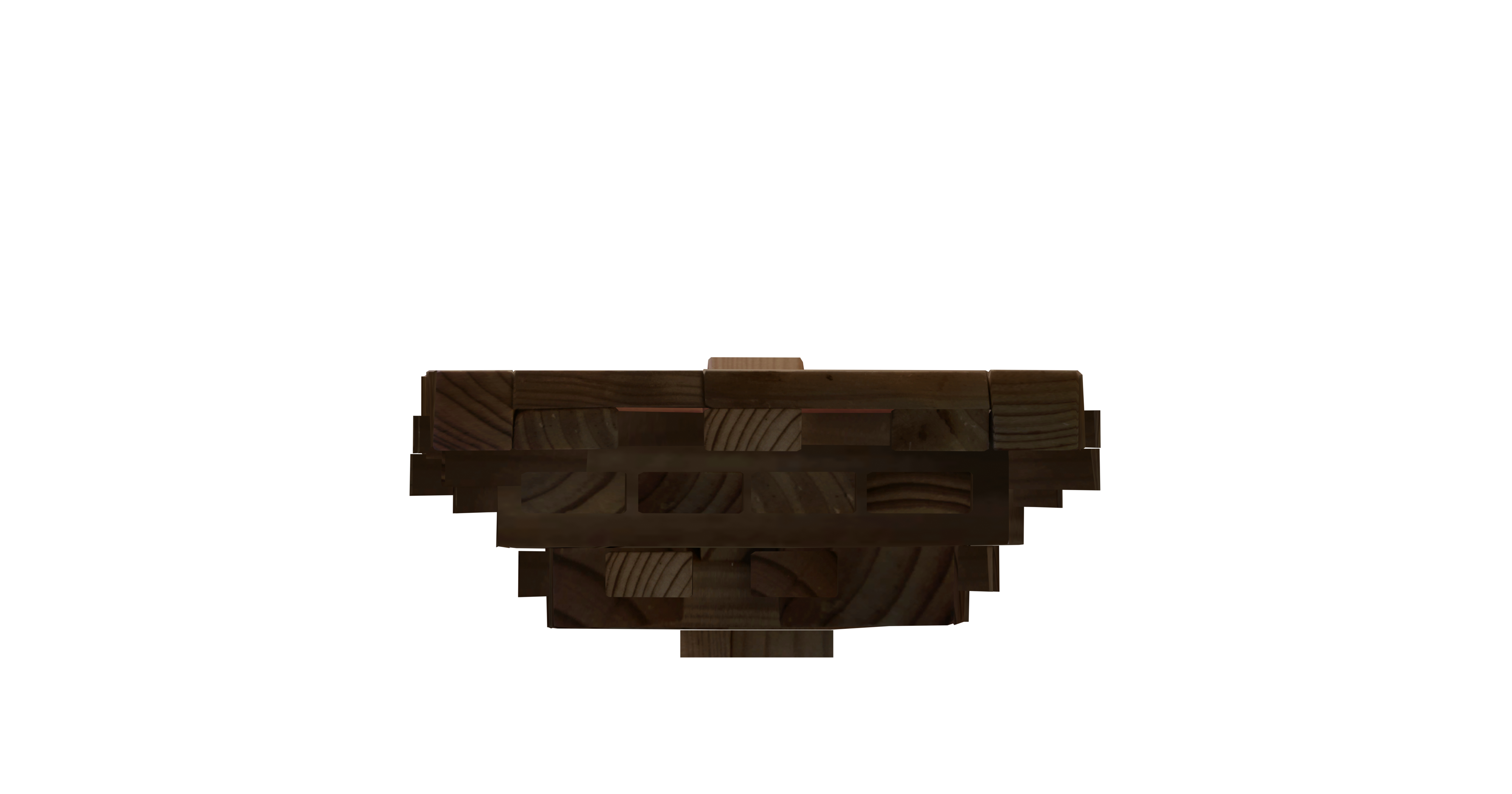
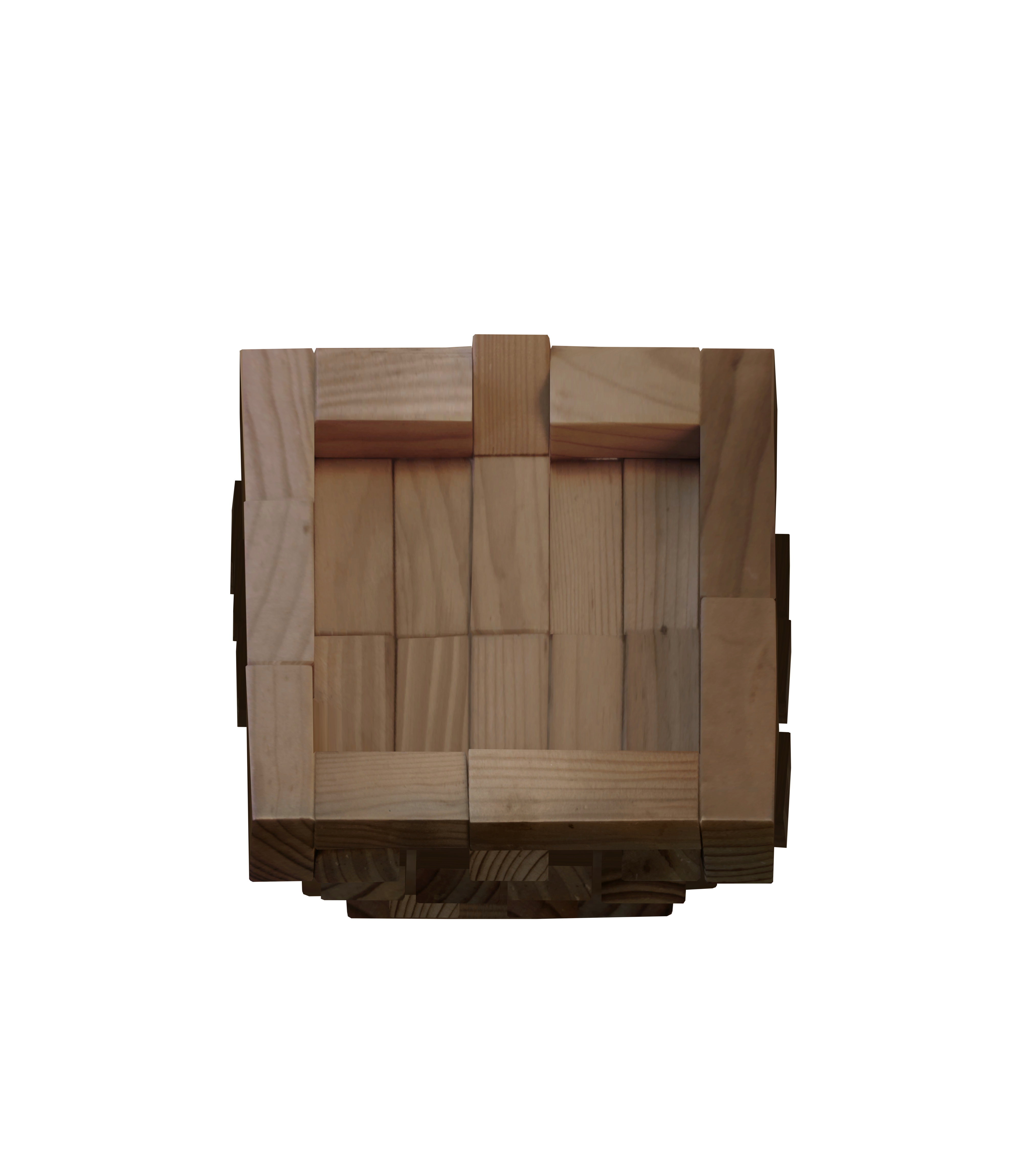
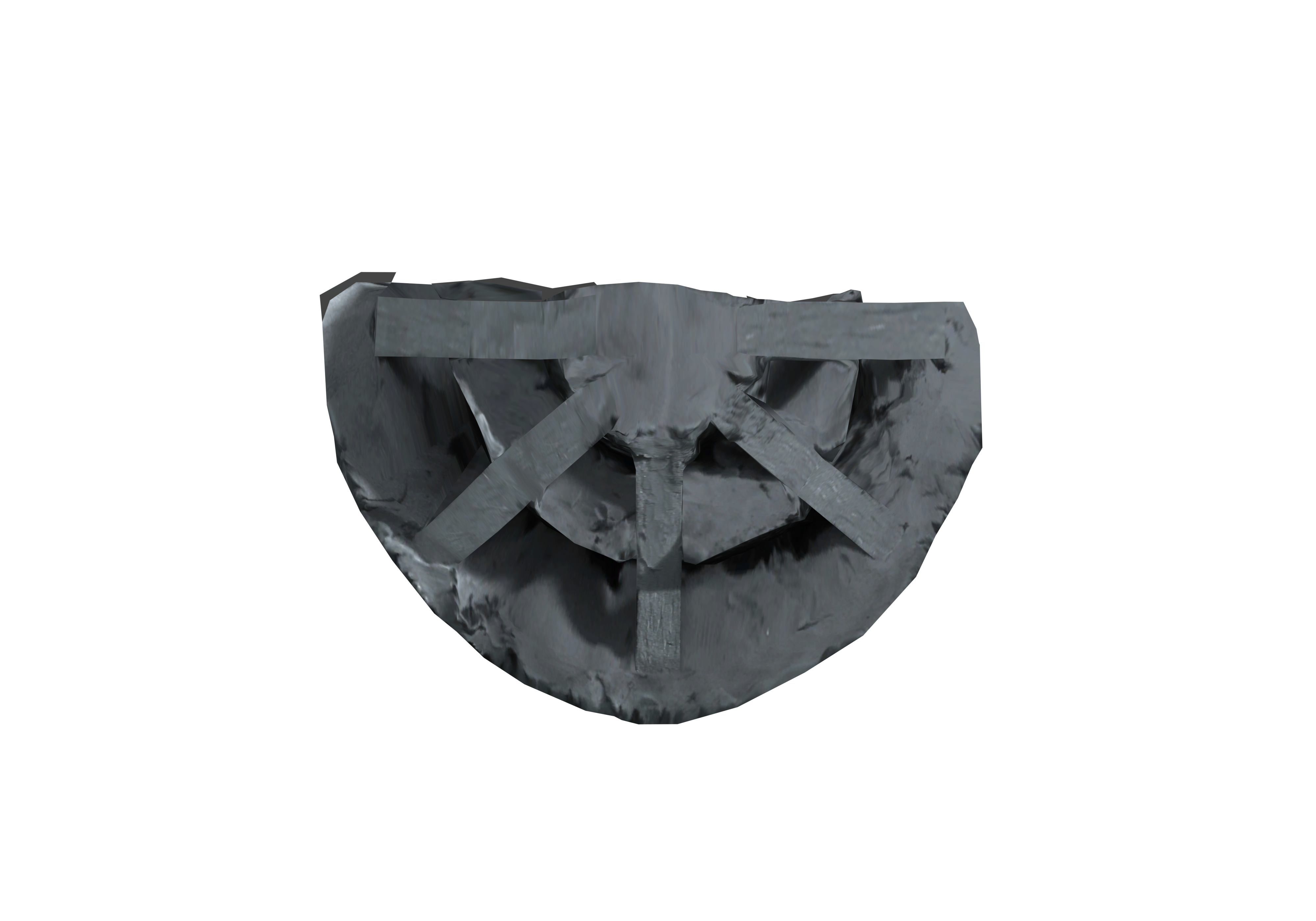
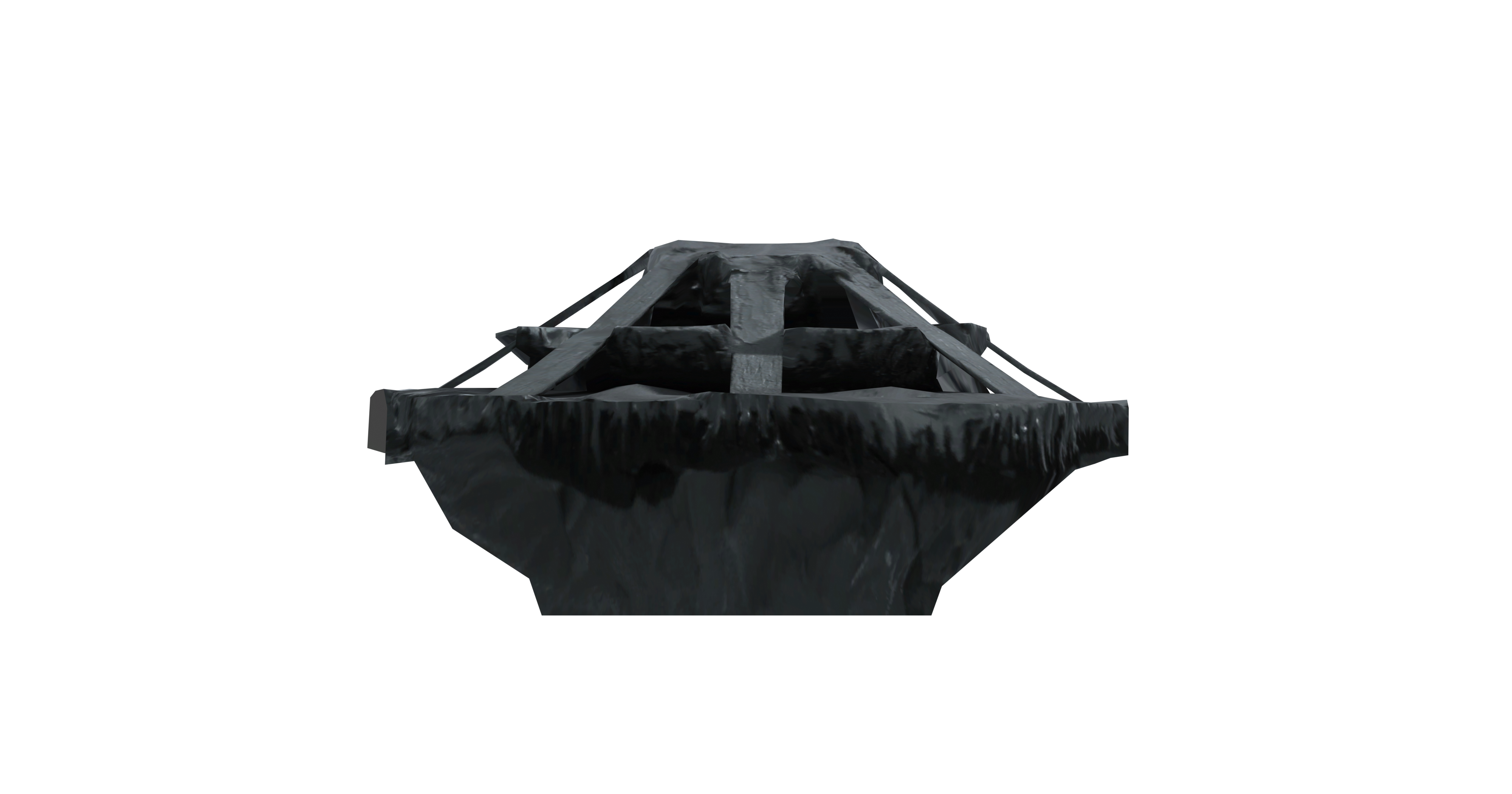
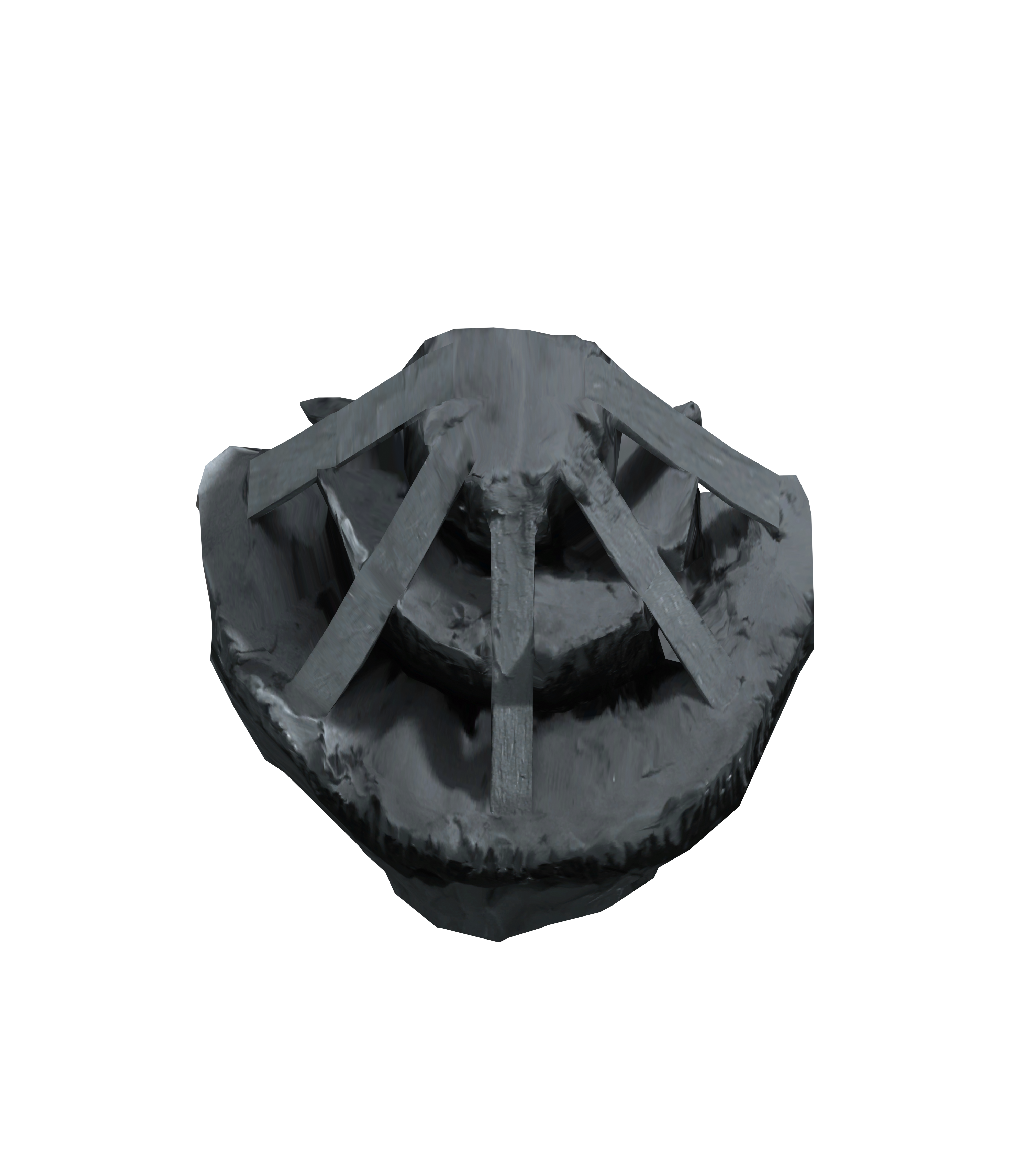
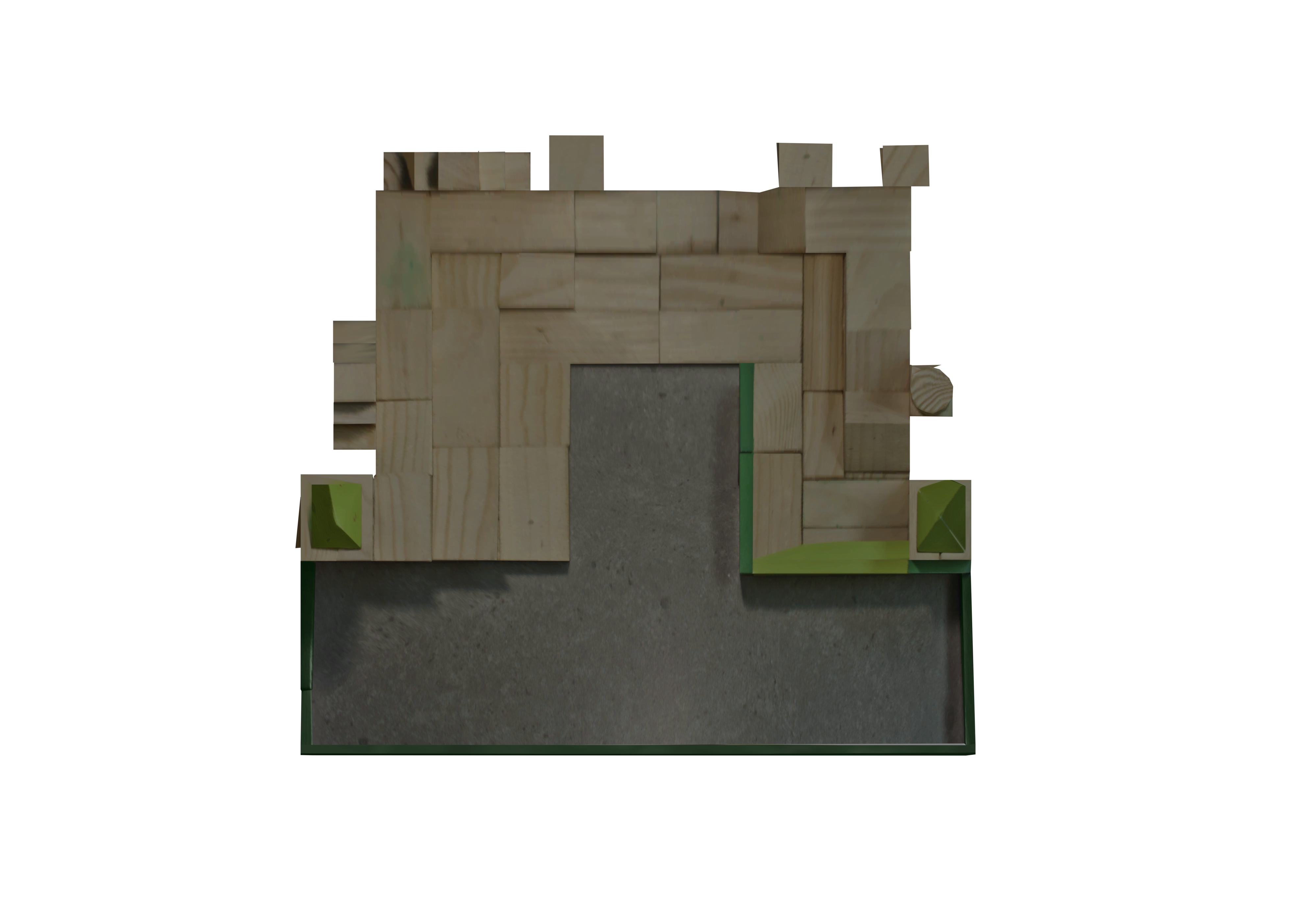
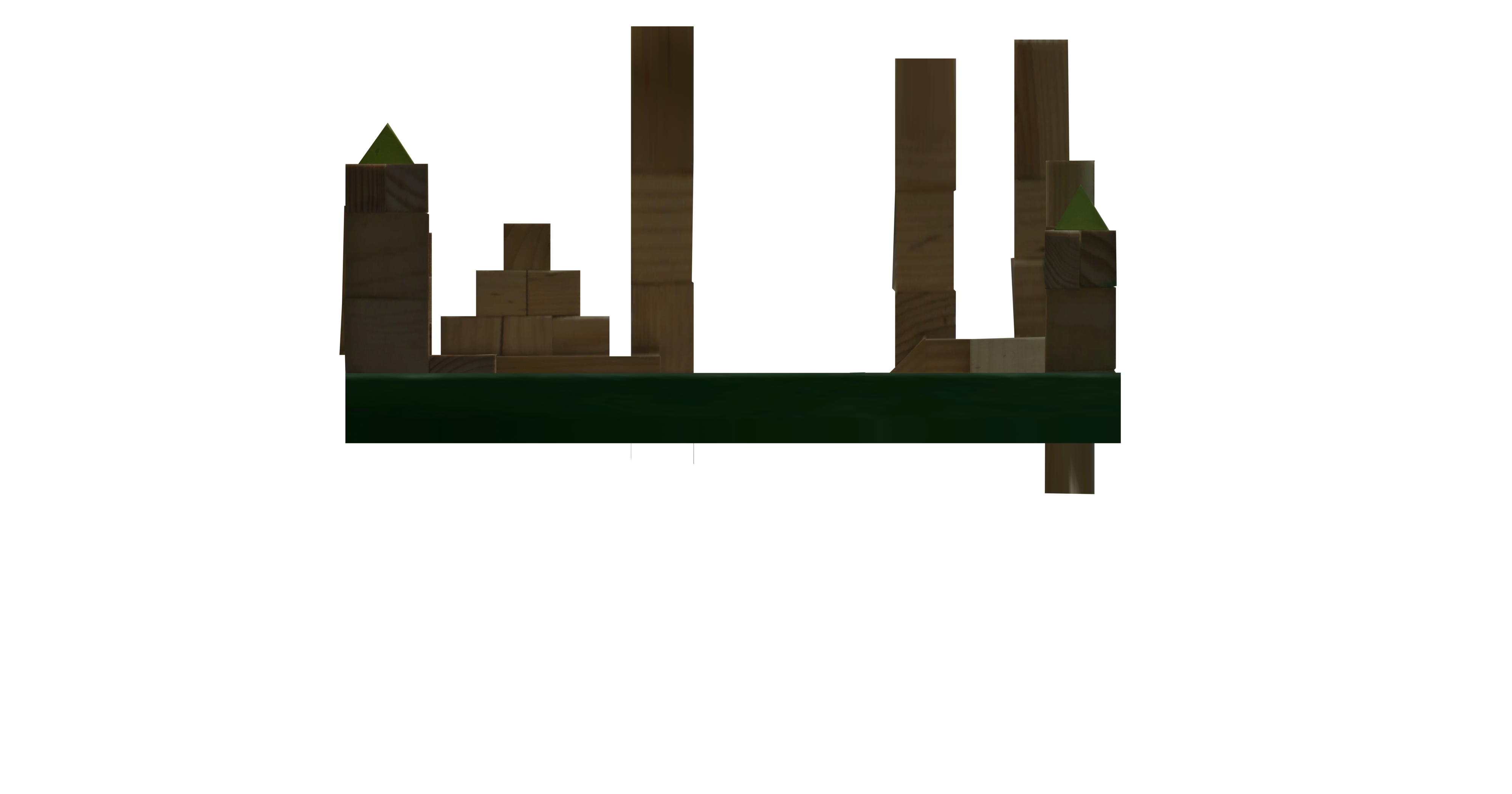
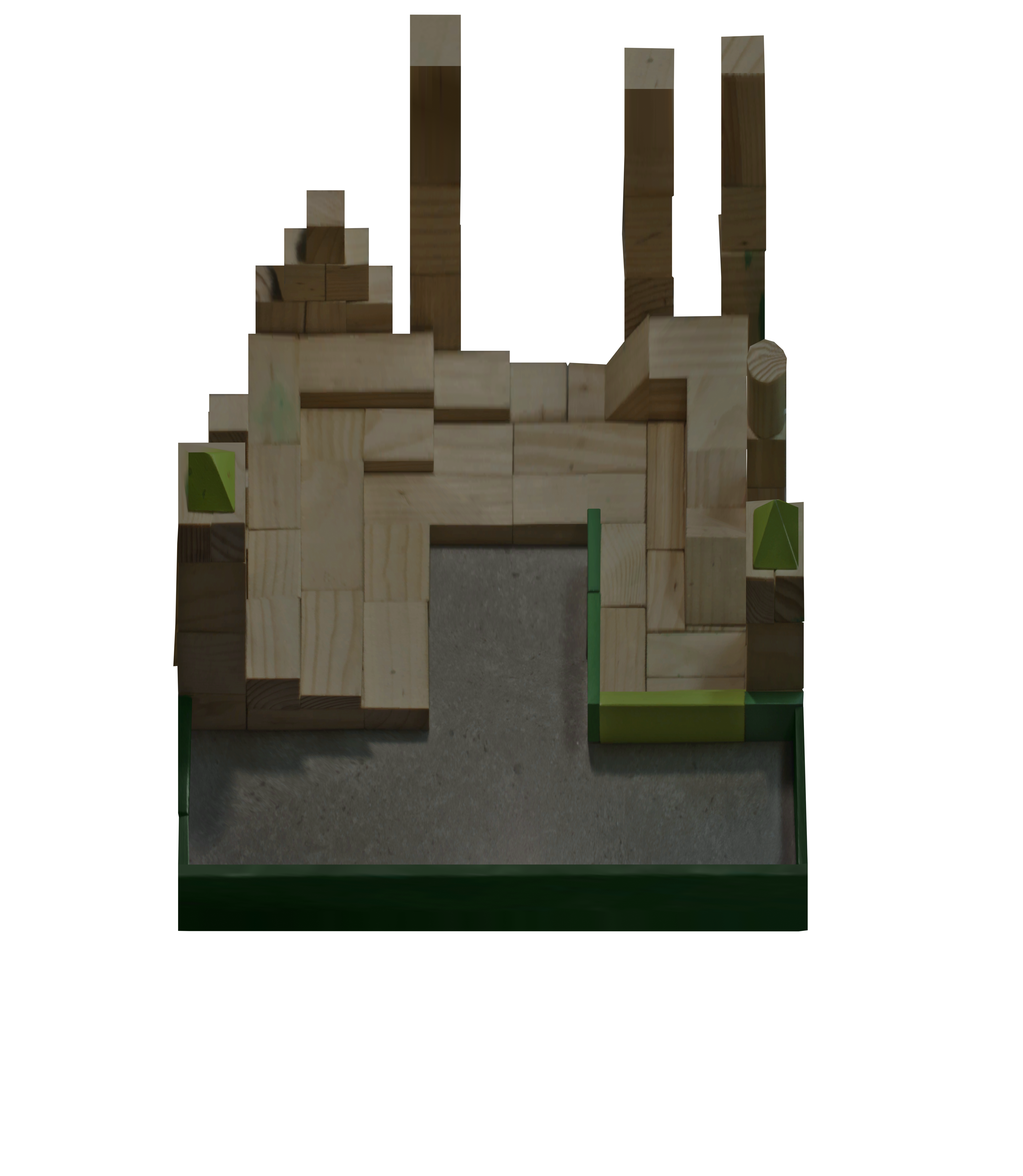
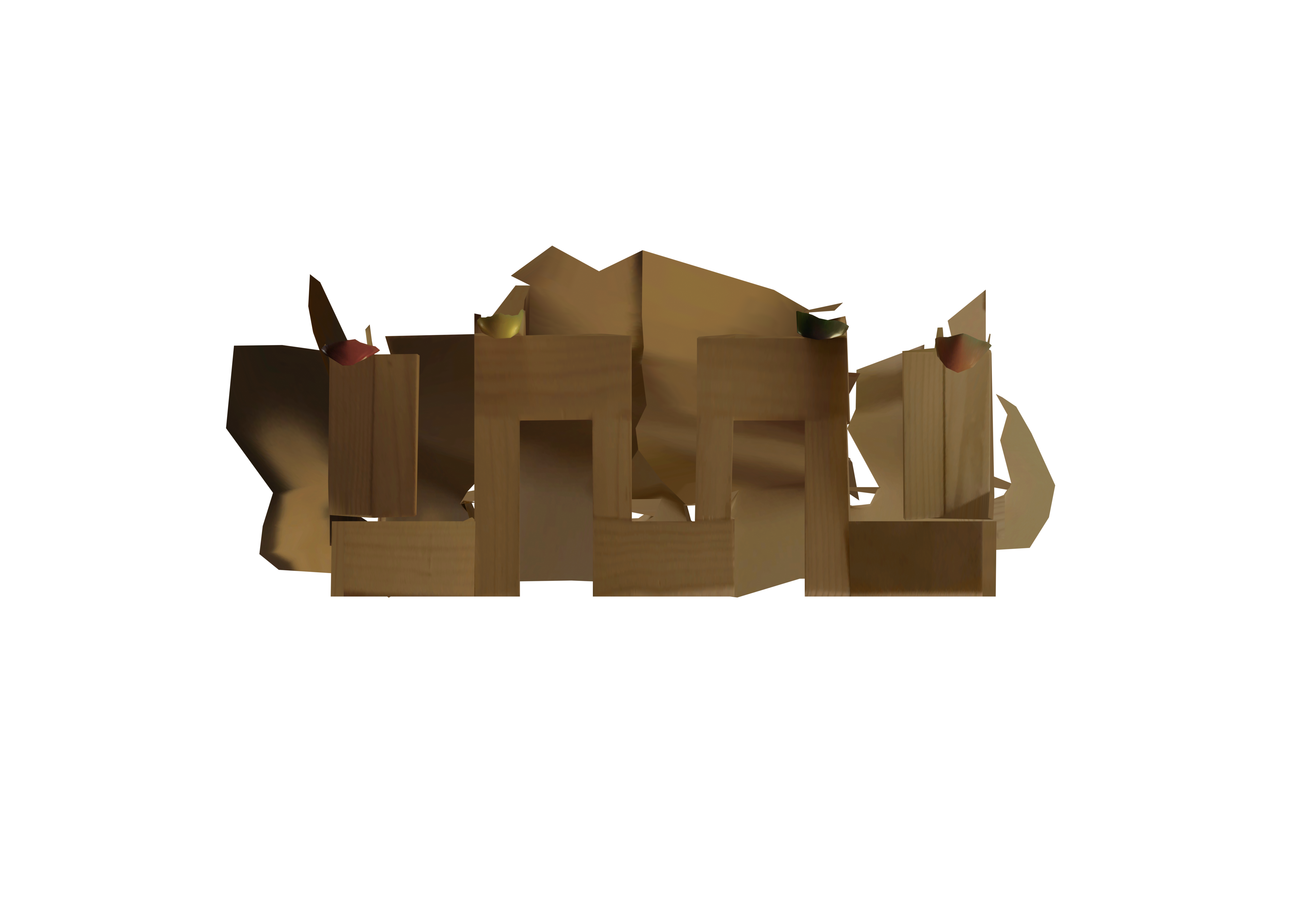
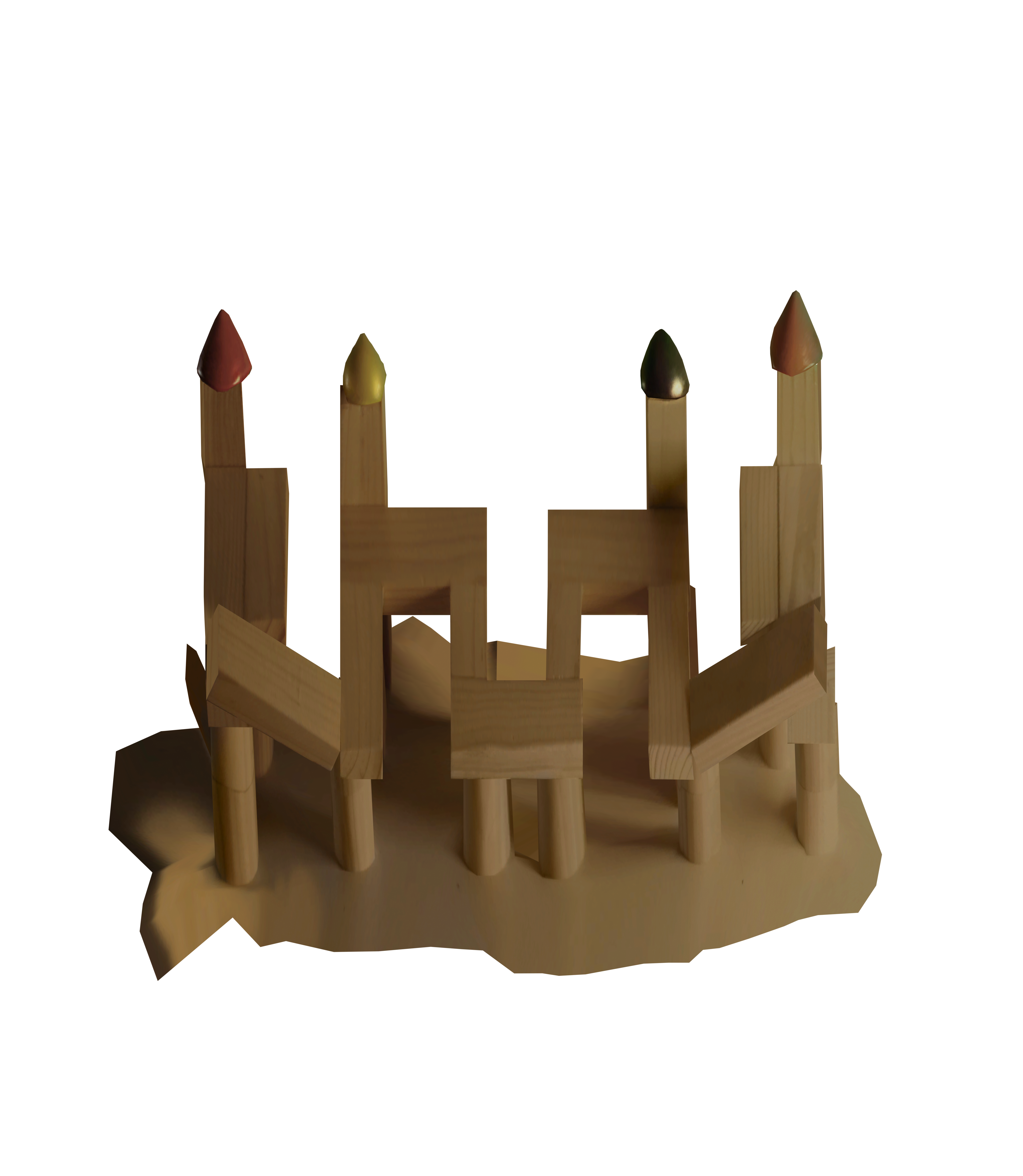
In the 3D Viewport with Object Mode selected, Click Add > Image and then choose either Reference or Background. Choose the appropriate projection of the map you want to refer to.

After the image is added to the scene, set the rotation correctly. In the Object Data Properties Panel of the image, set the Empty > Size field to 36m. This will ensure that the imported image is the exact same size as the imported original models.

If you are wondering where the magic 36 value is coming from -- it was the scale of the orthographic camera used to generate the projection.

Maps

Big G
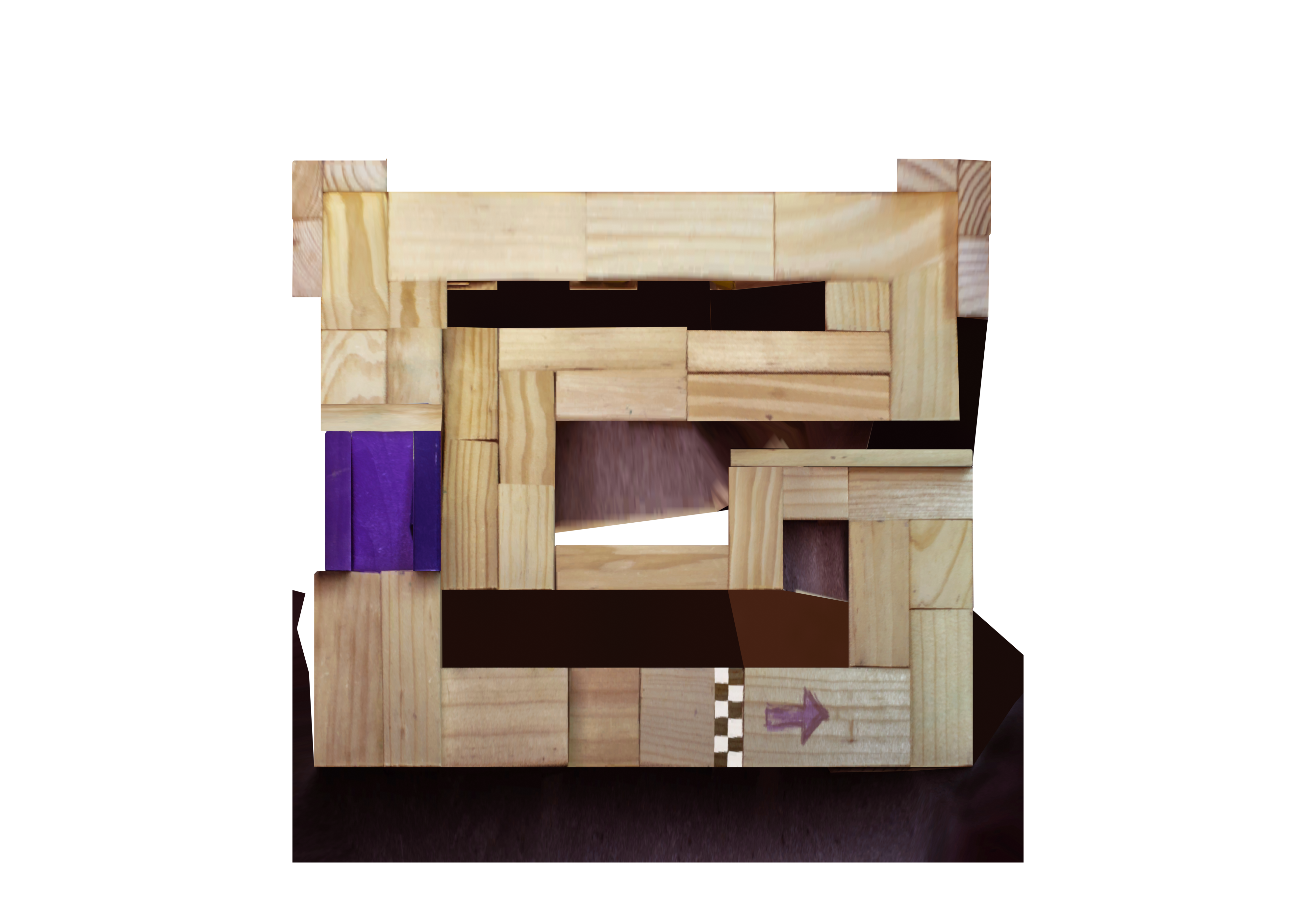
BigG Top ViewBigG Front ViewBigG Oblique View

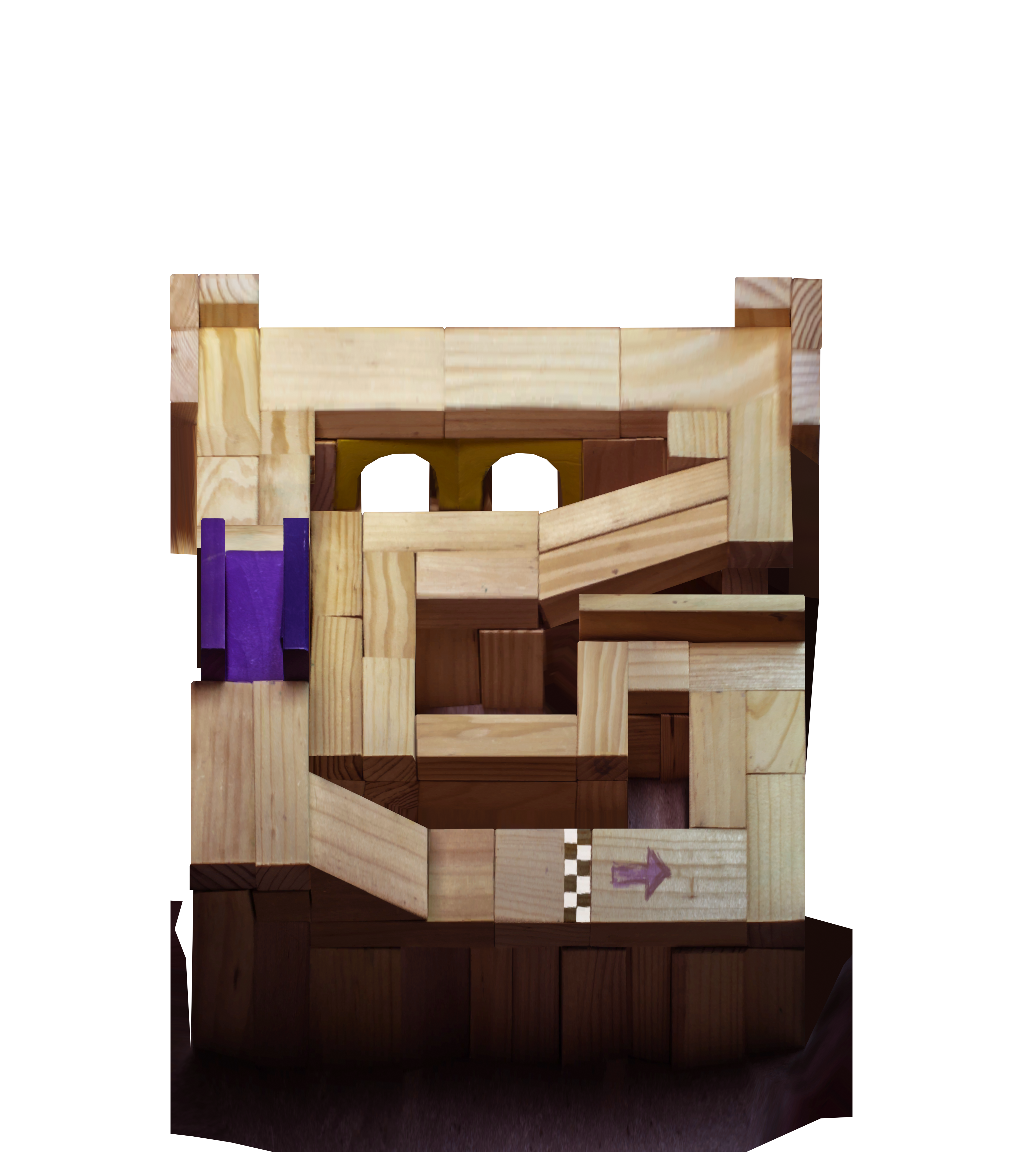
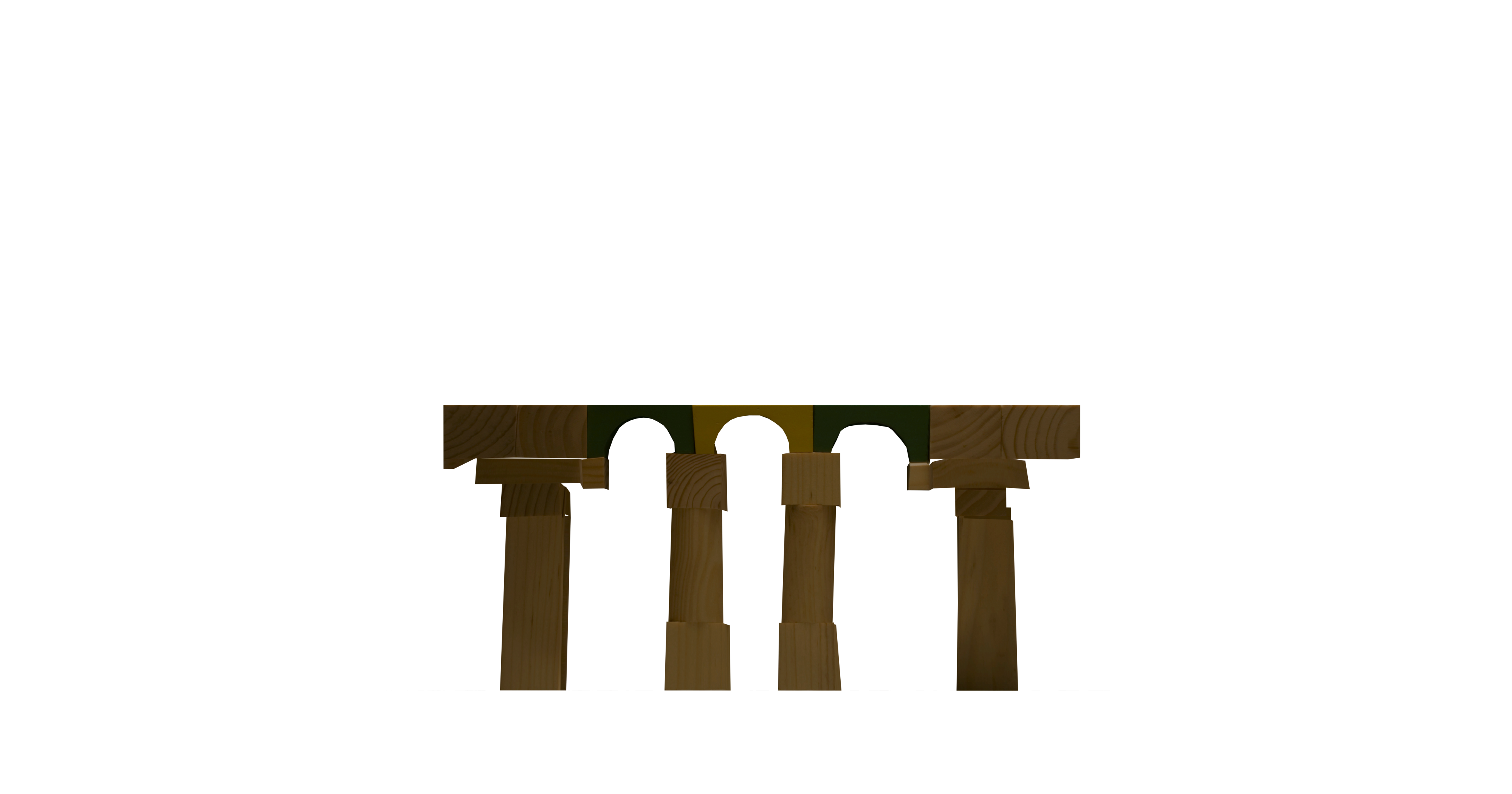
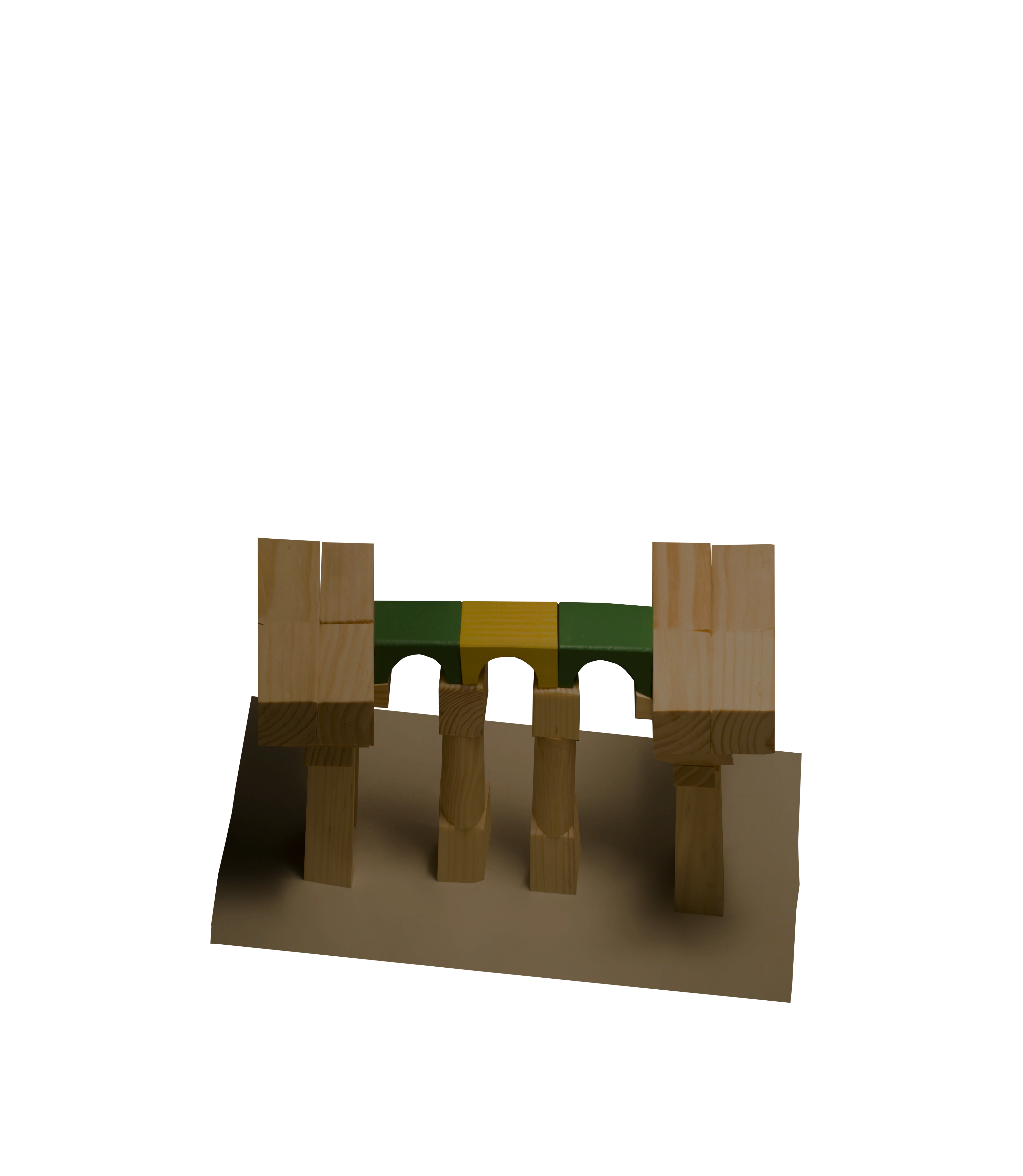
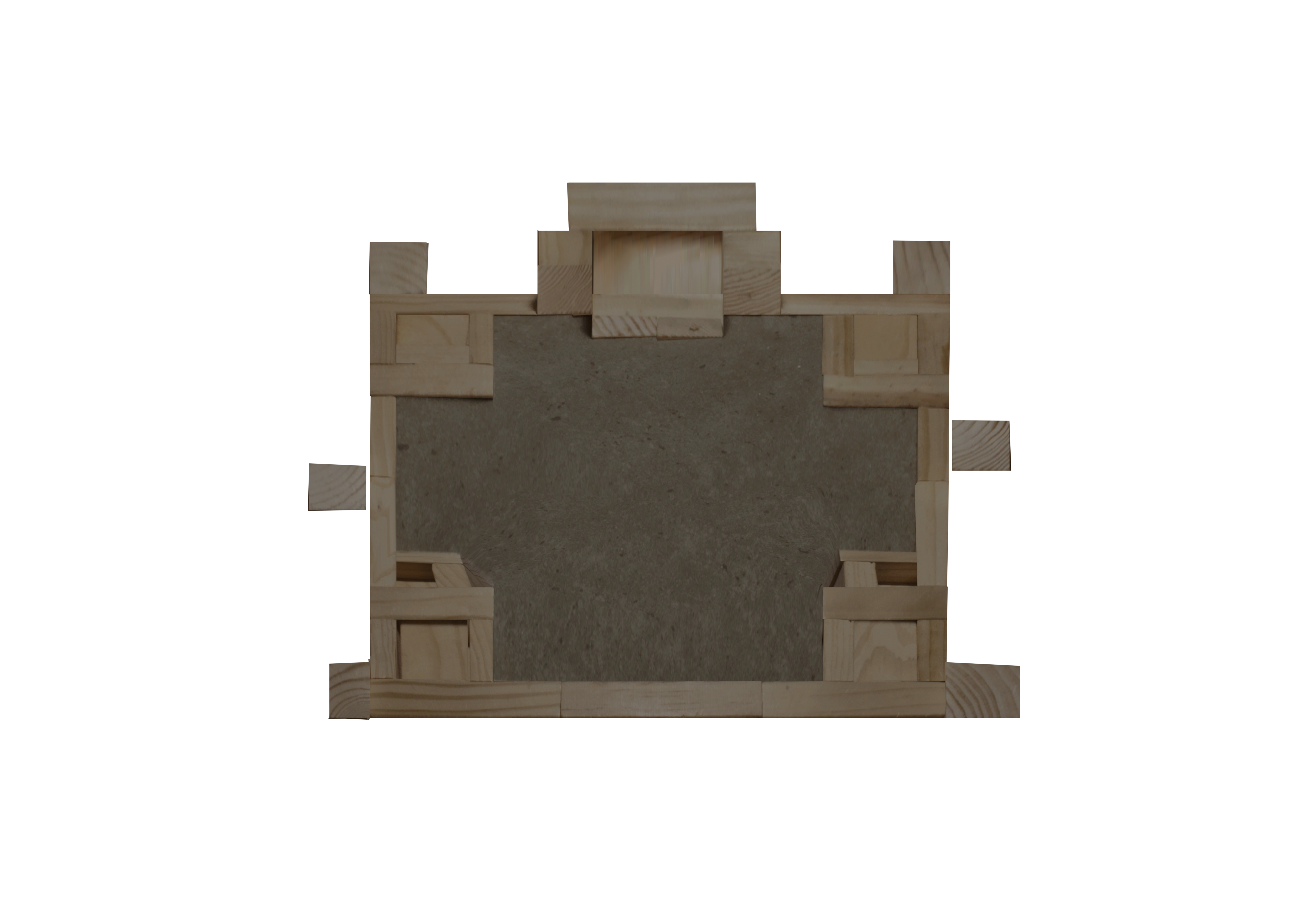
Bridgit

Bridgit Top ViewBridgit Front ViewBridgit Oblique View

Courtyard

Courtyard Top ViewCourtyard Front ViewCourtyard Oblique View

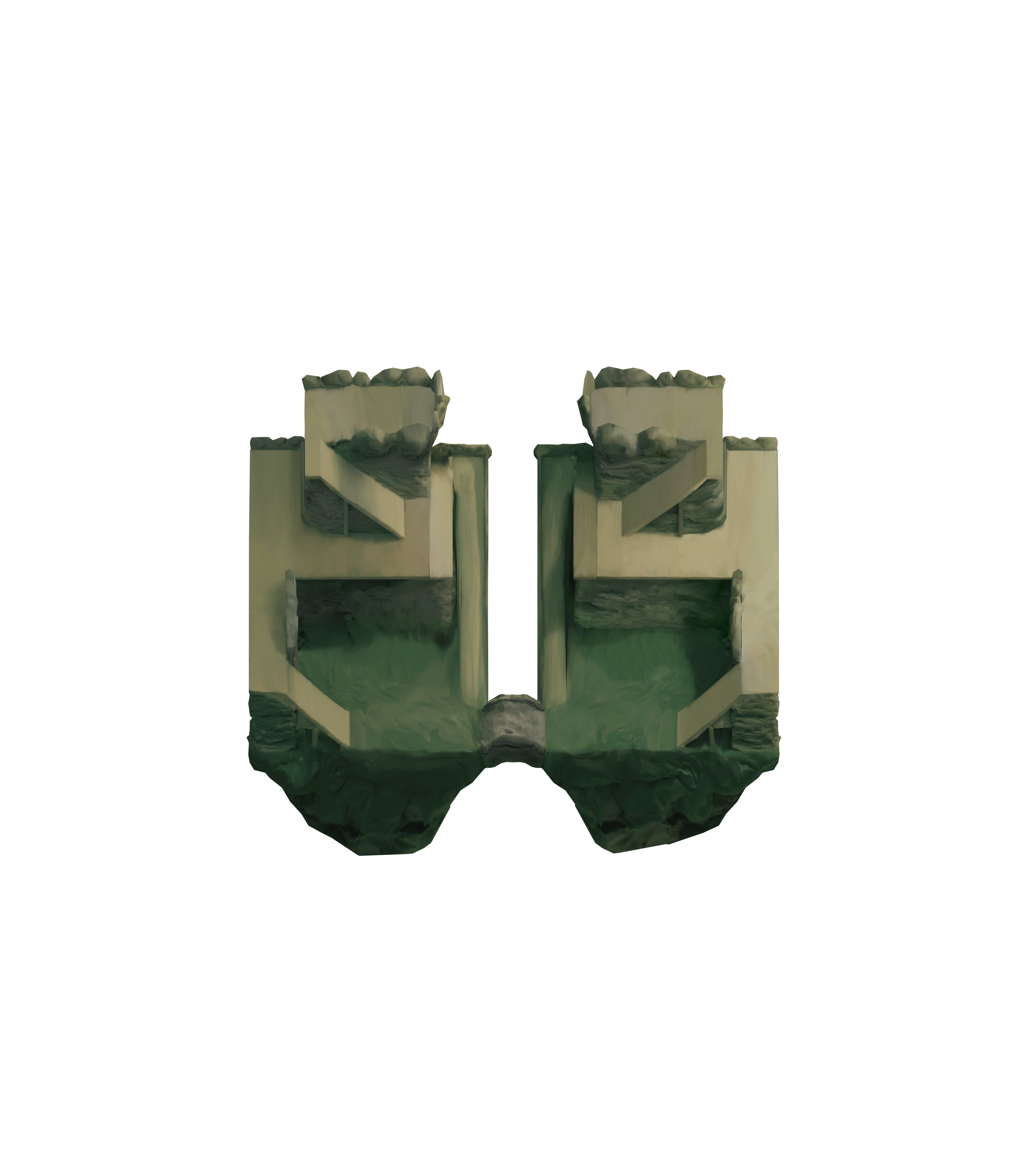
Crag Castle

CragCastle Top ViewCragCastle Front ViewCragCastle Oblique View

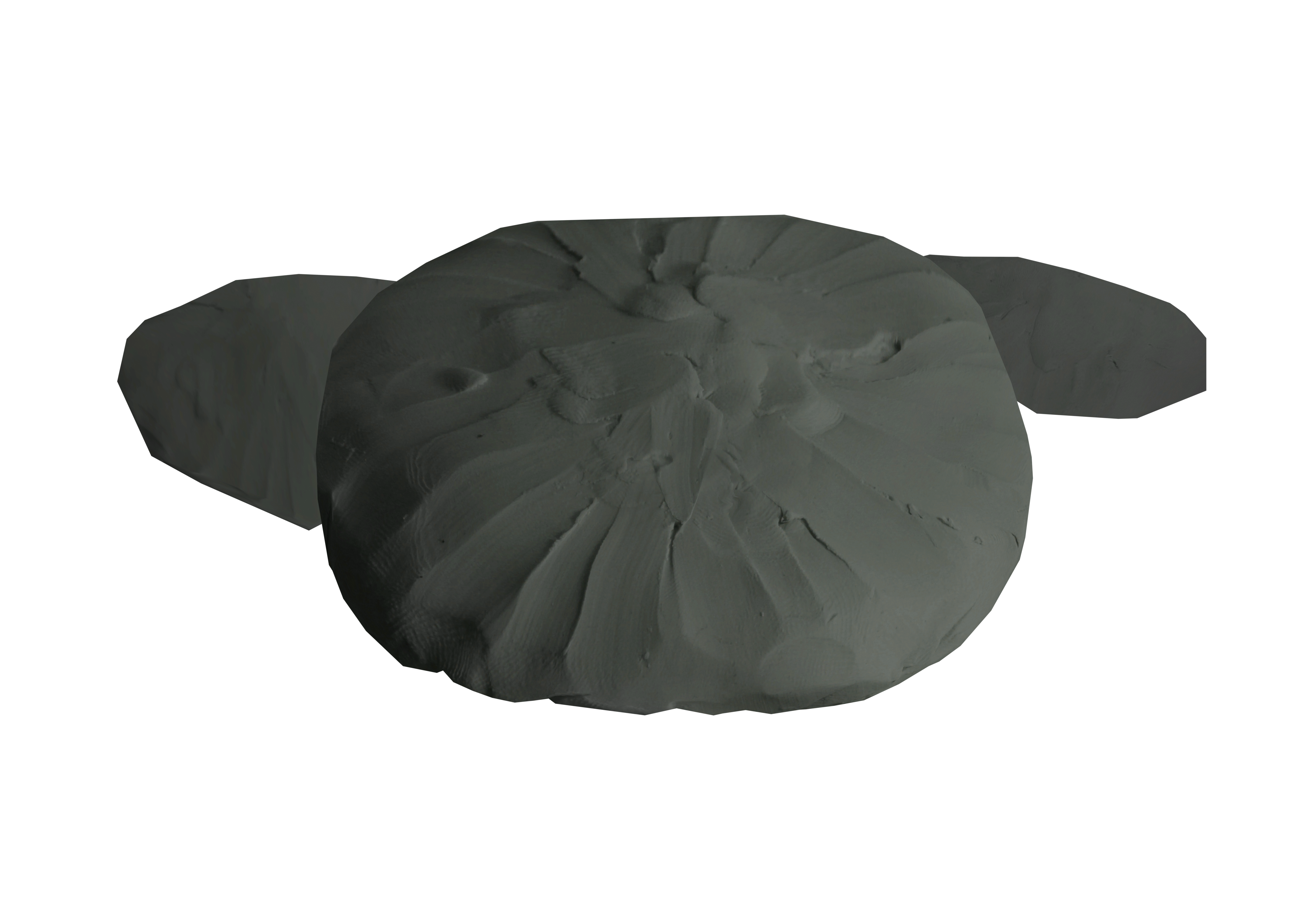
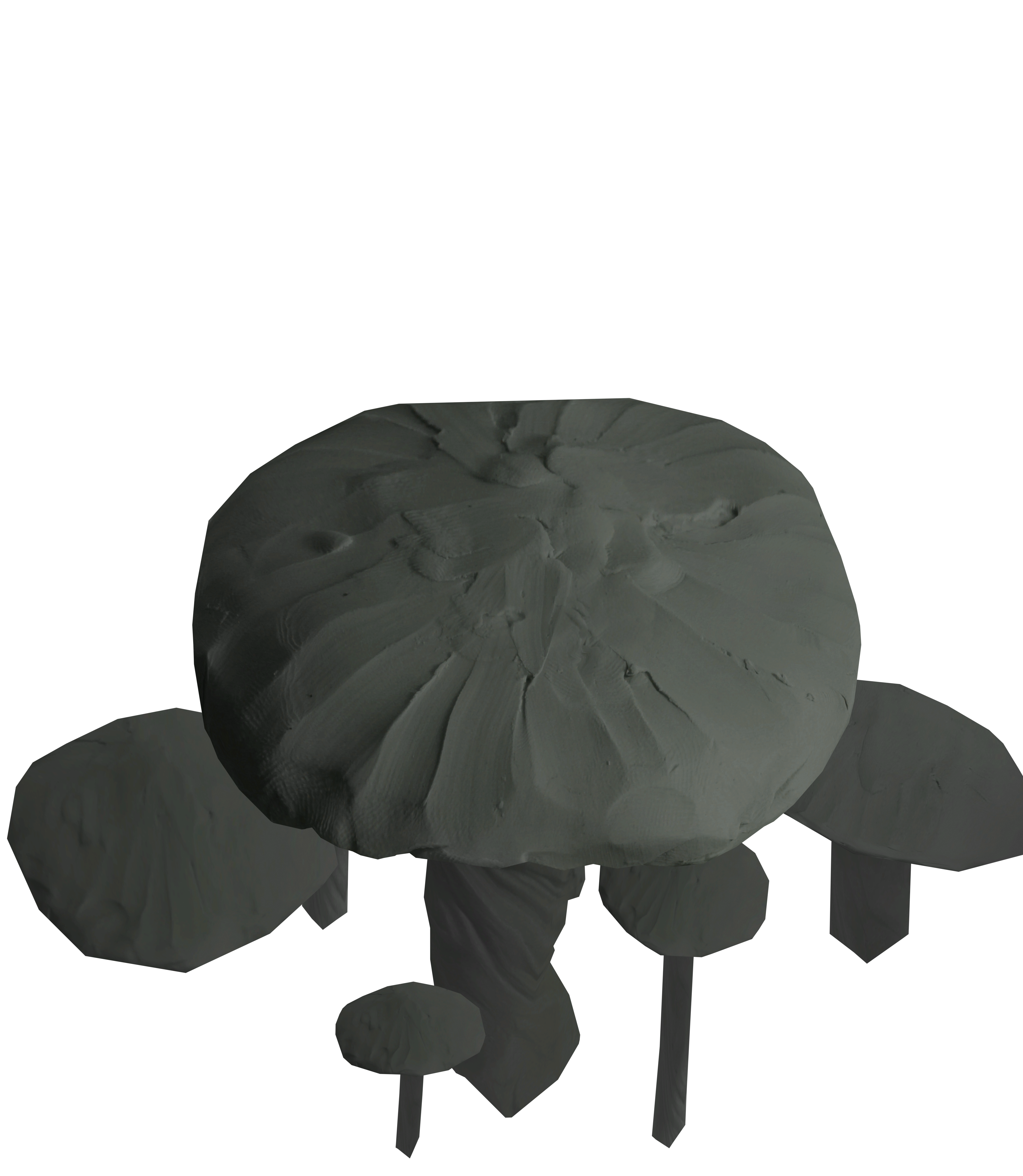
Doom Shroom

DoomShroom Top ViewDoomShroom Front ViewDoomShroom Oblique View

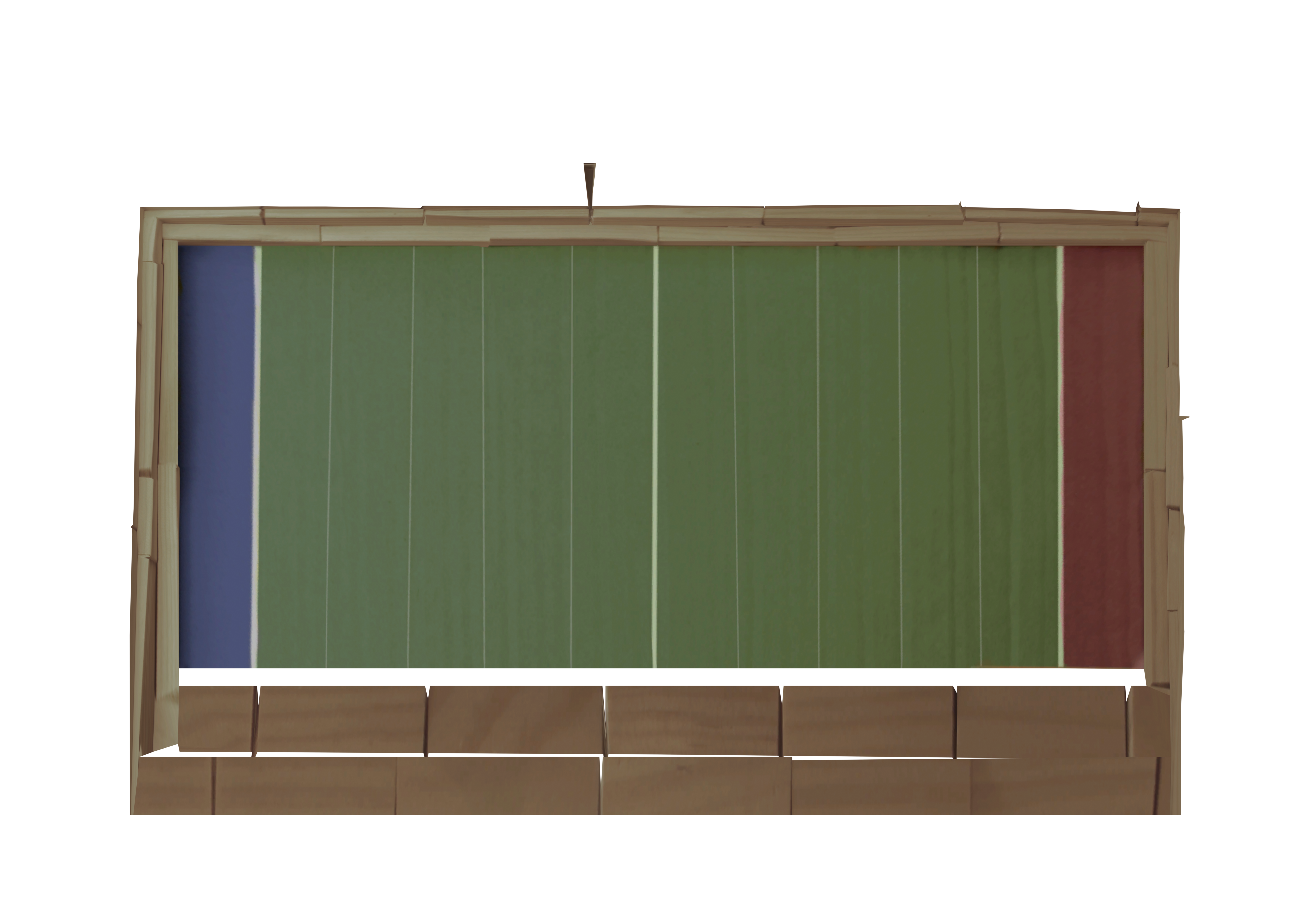
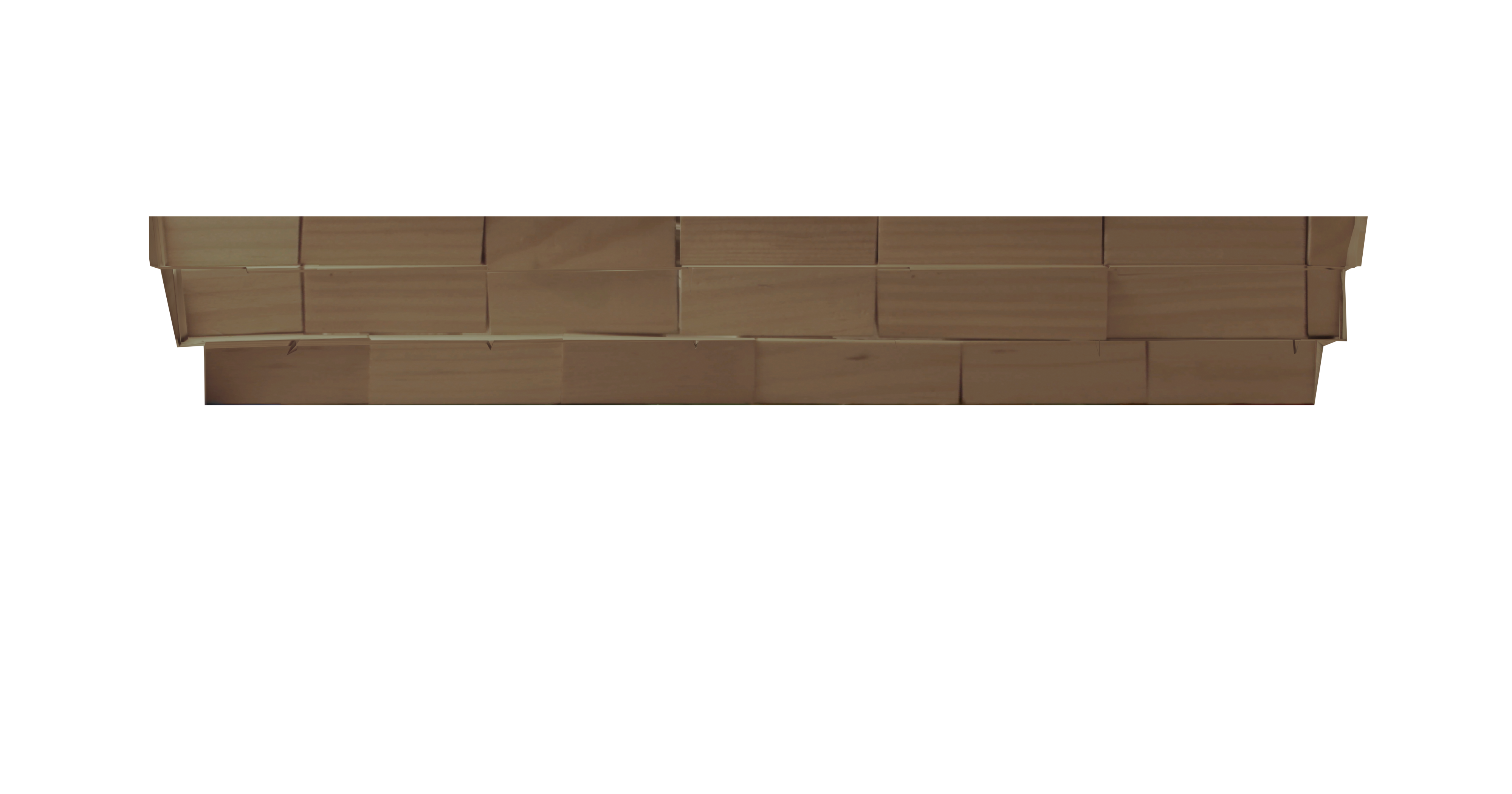
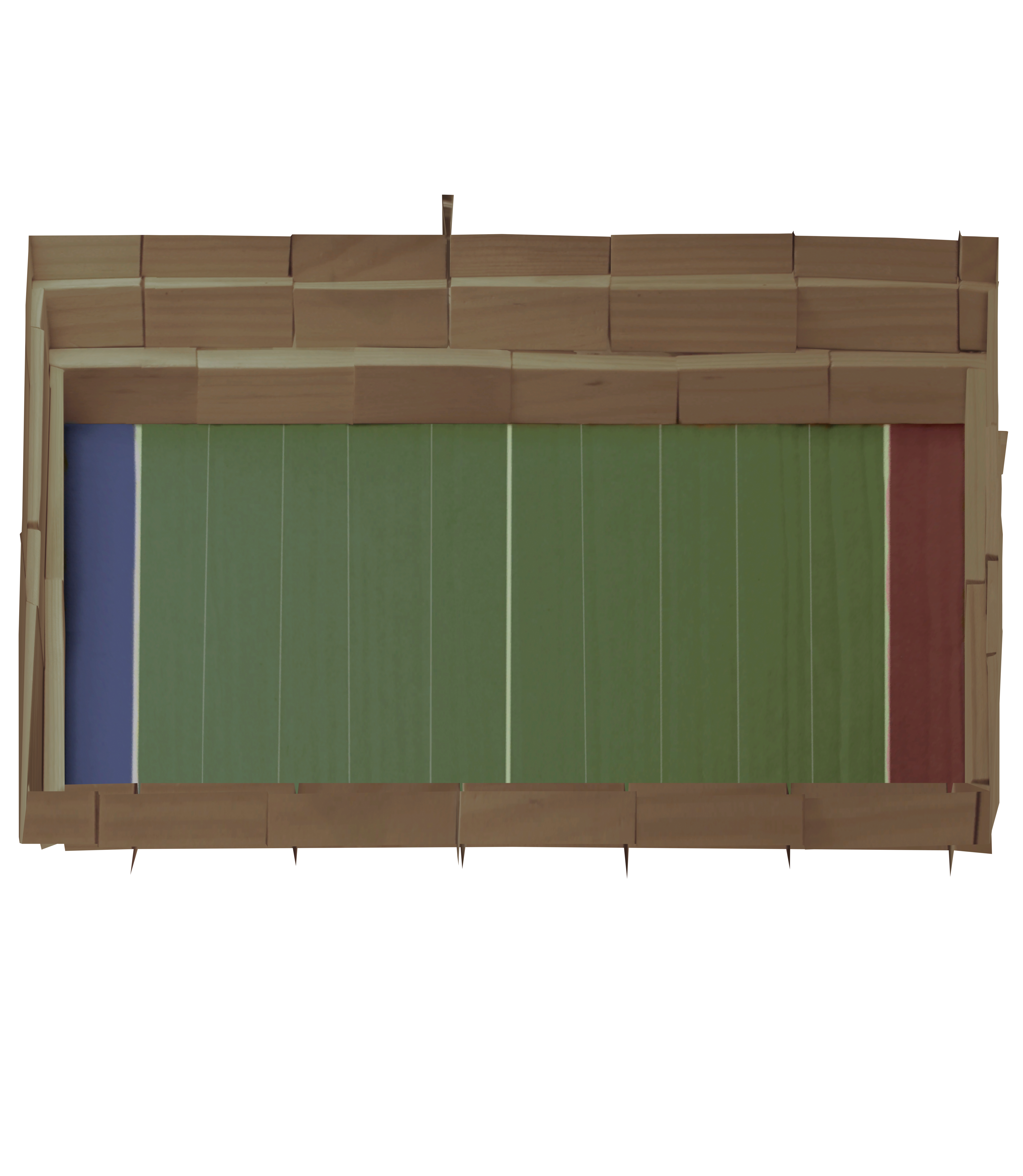
Football Stadium

FootballStadium Top ViewFootballStadium Front ViewFootballStadium Oblique View

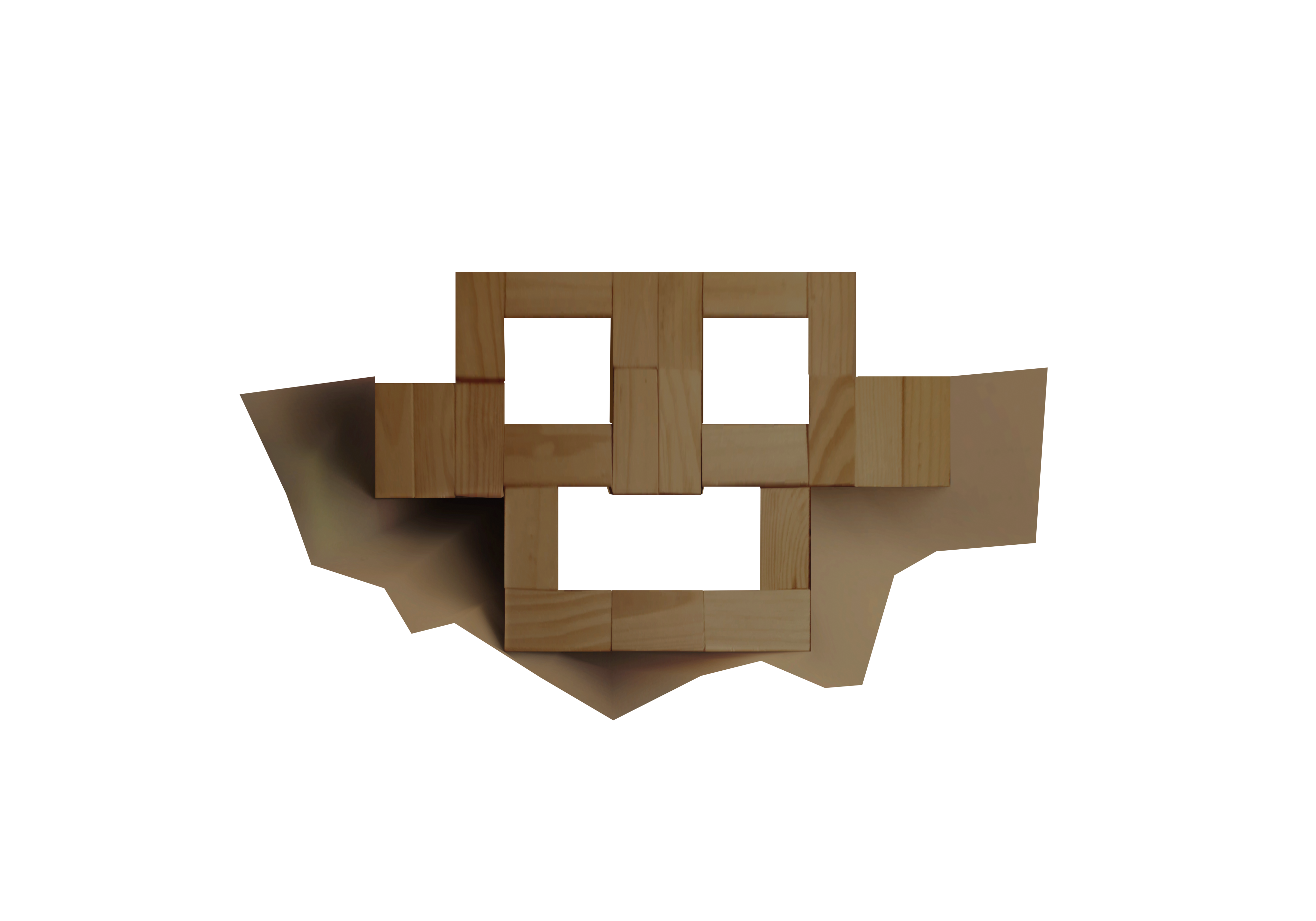
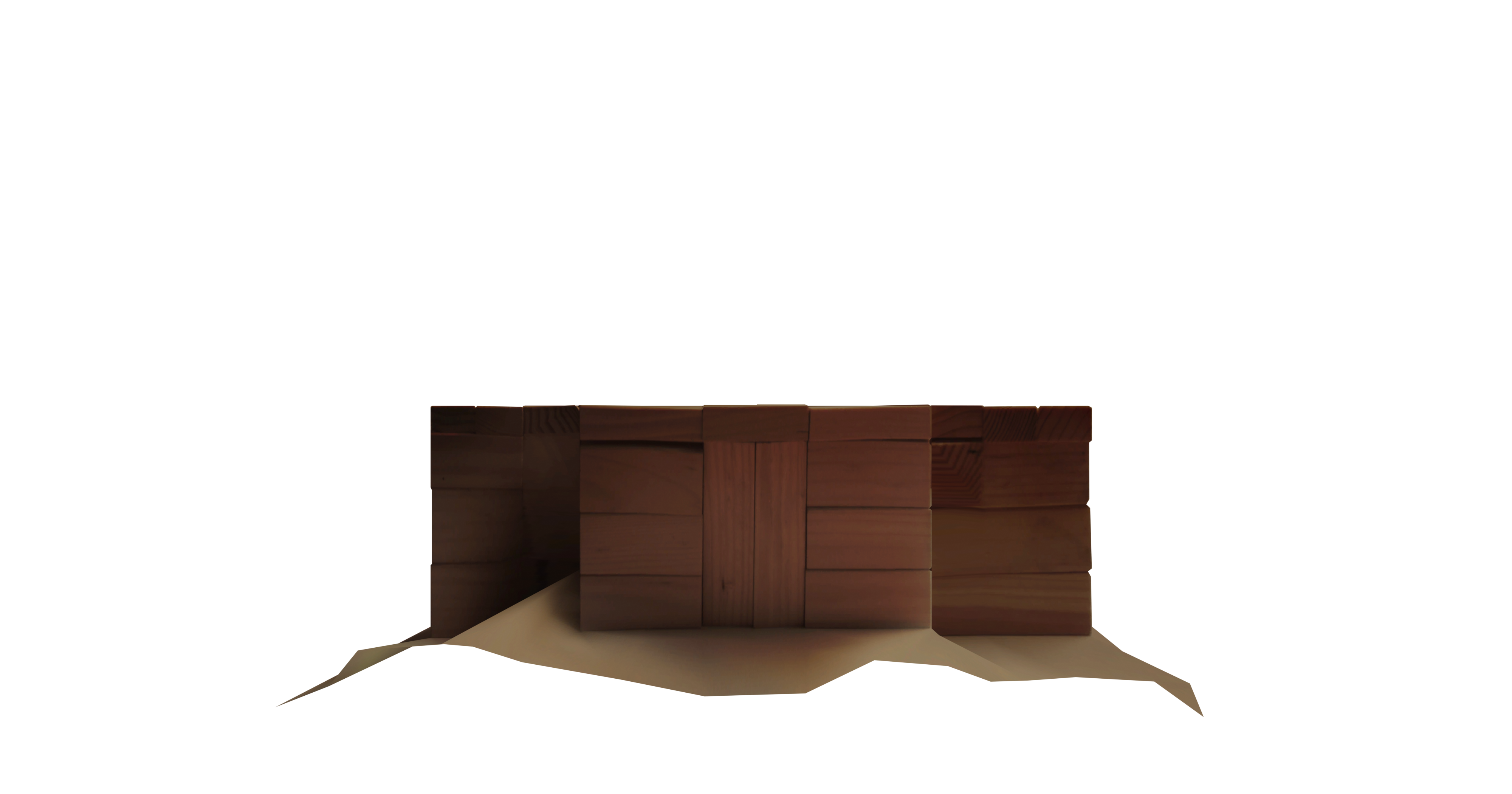
Happy Thoughts

HappyThoughts Top ViewHappyThoughts Front ViewHappyThoughts Oblique View

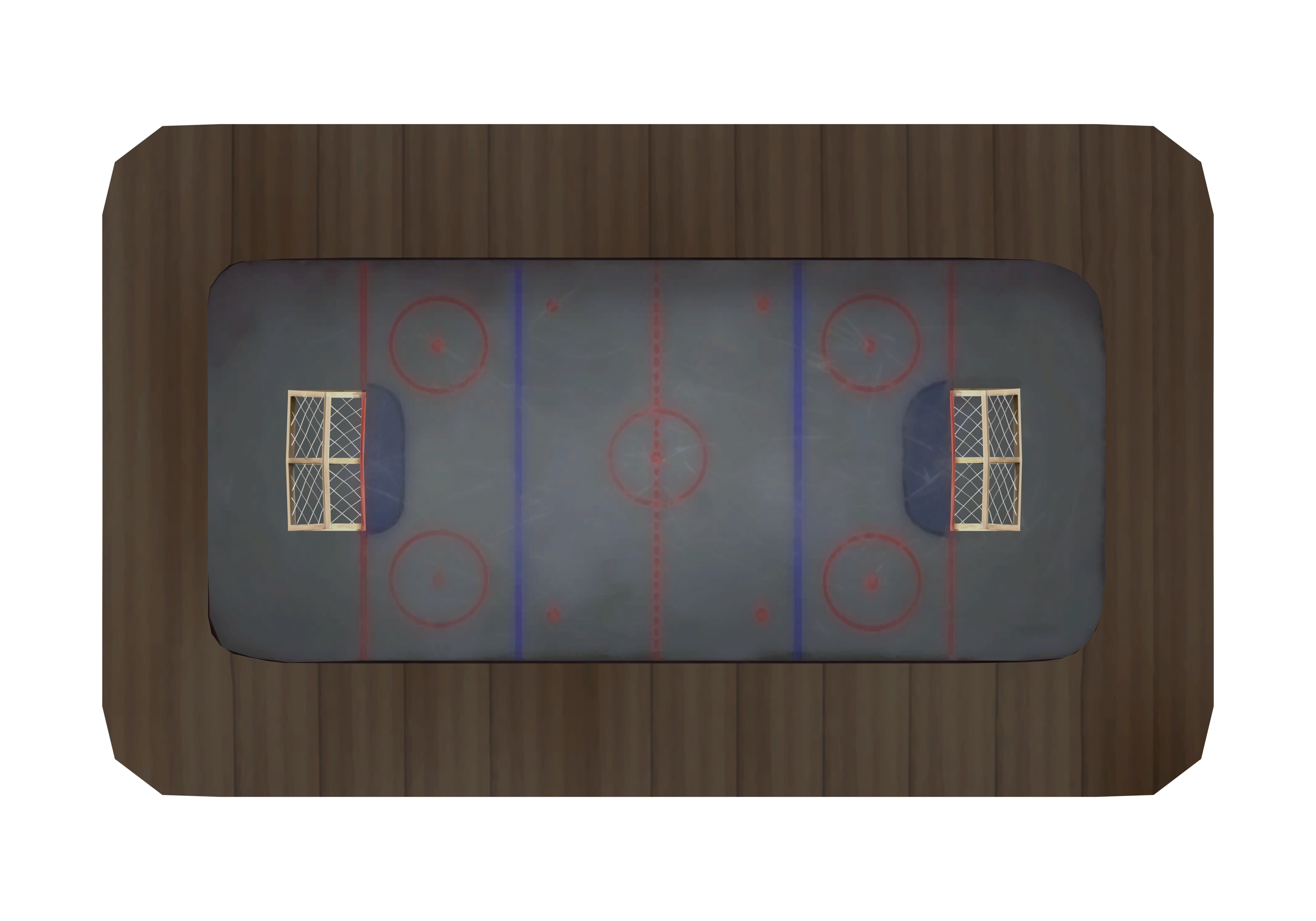
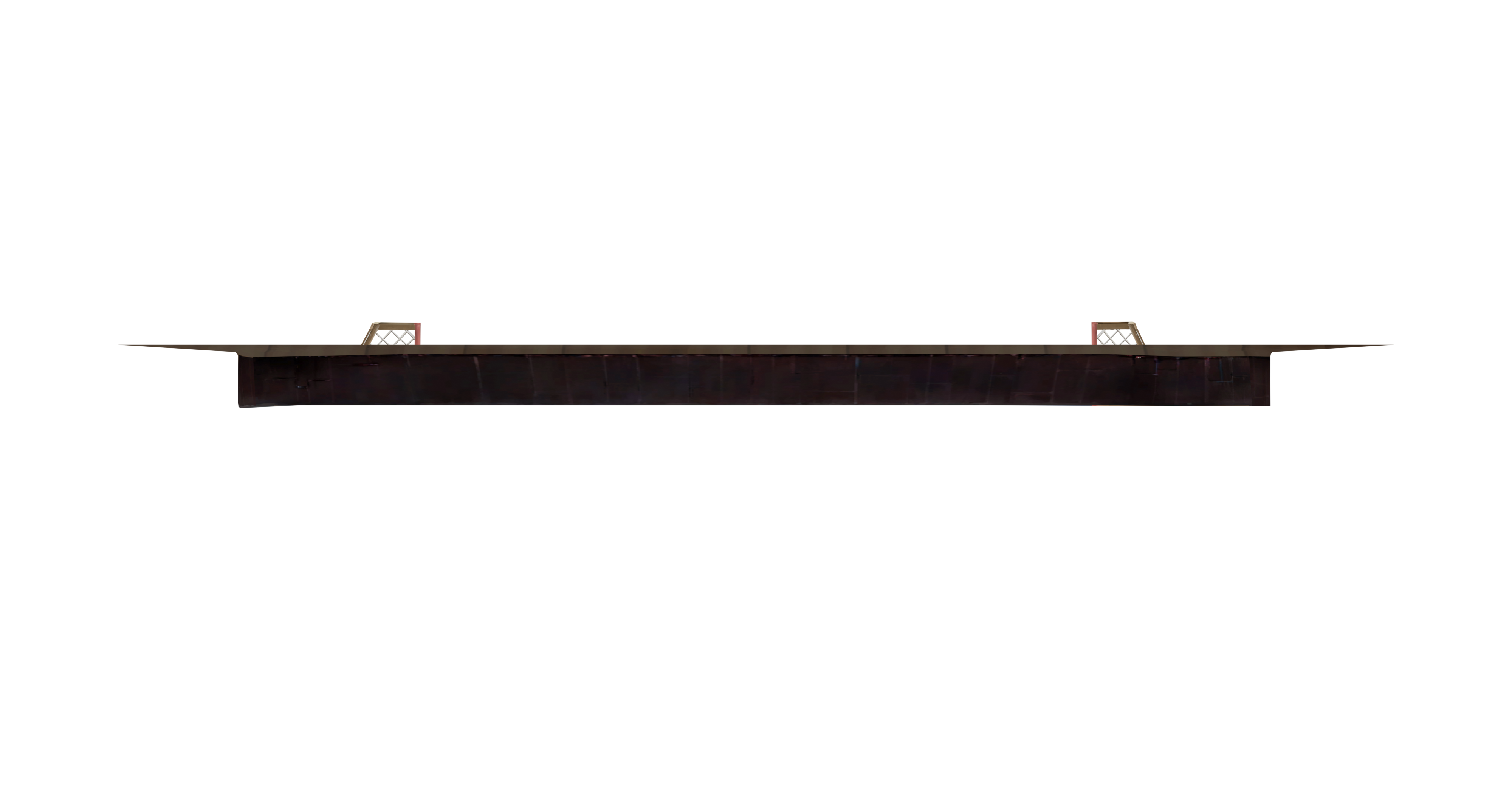
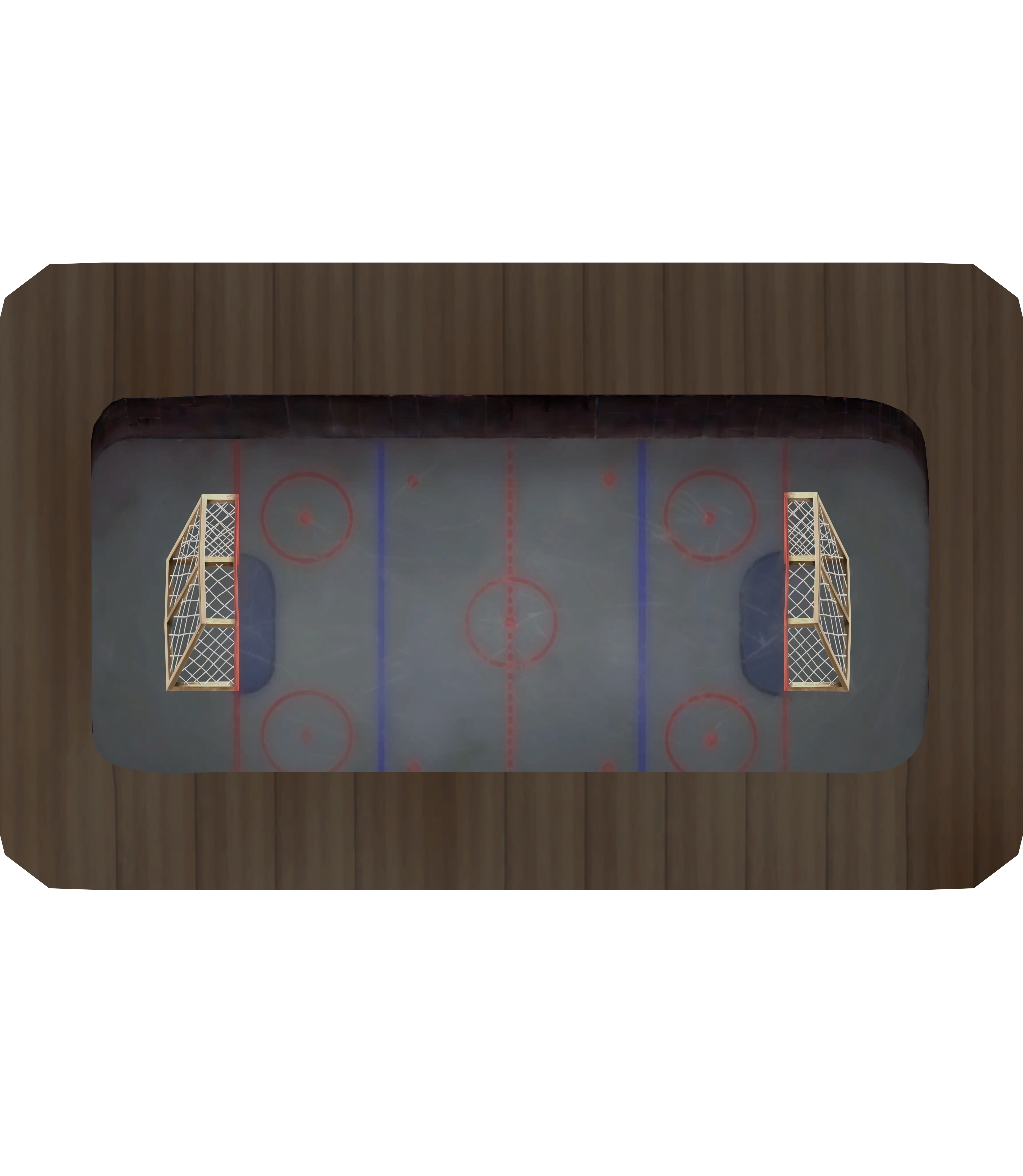
Hockey Stadium

HockeyStadium Top ViewHockeyStadium Front ViewHockeyStadium Oblique View

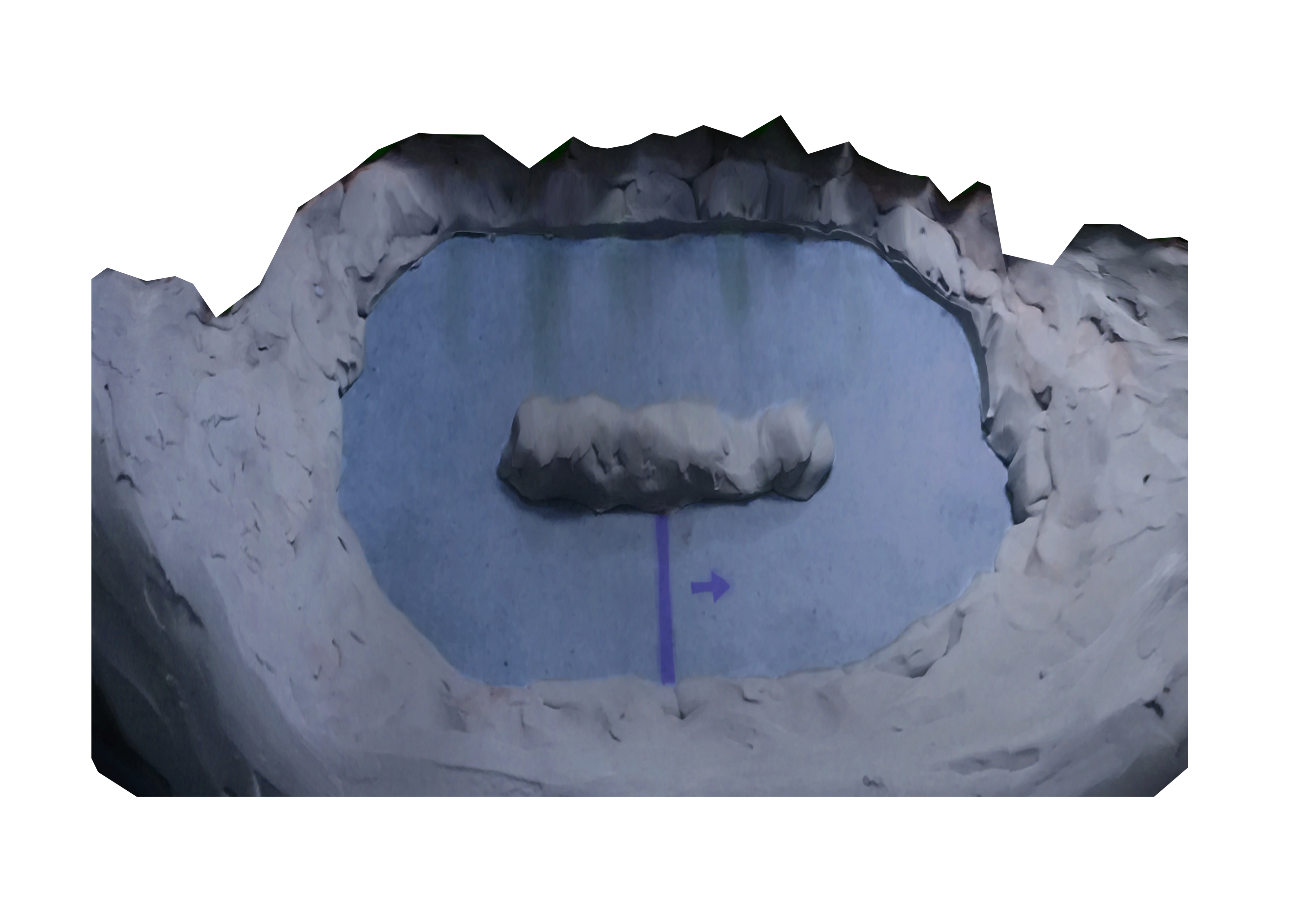
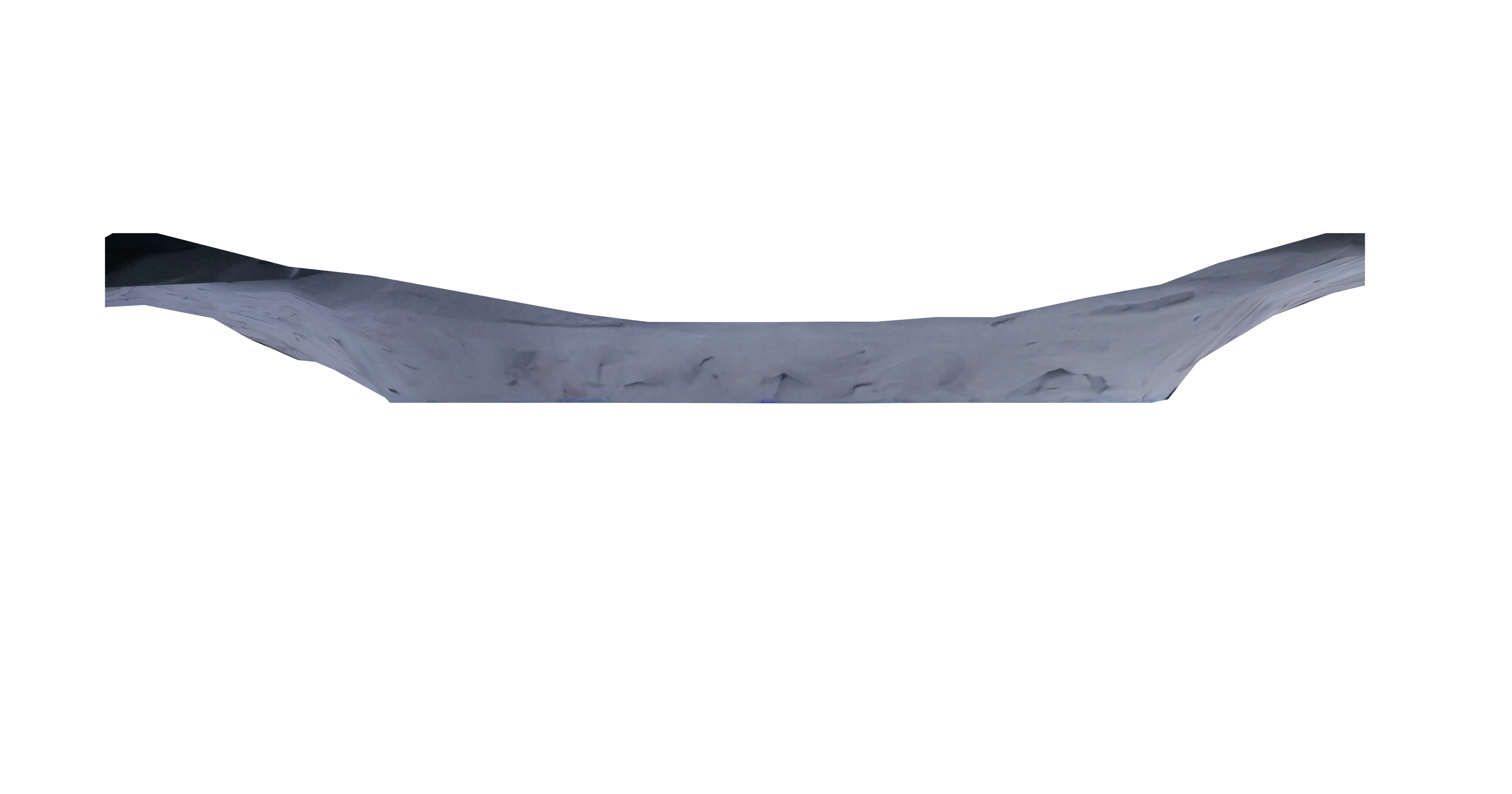
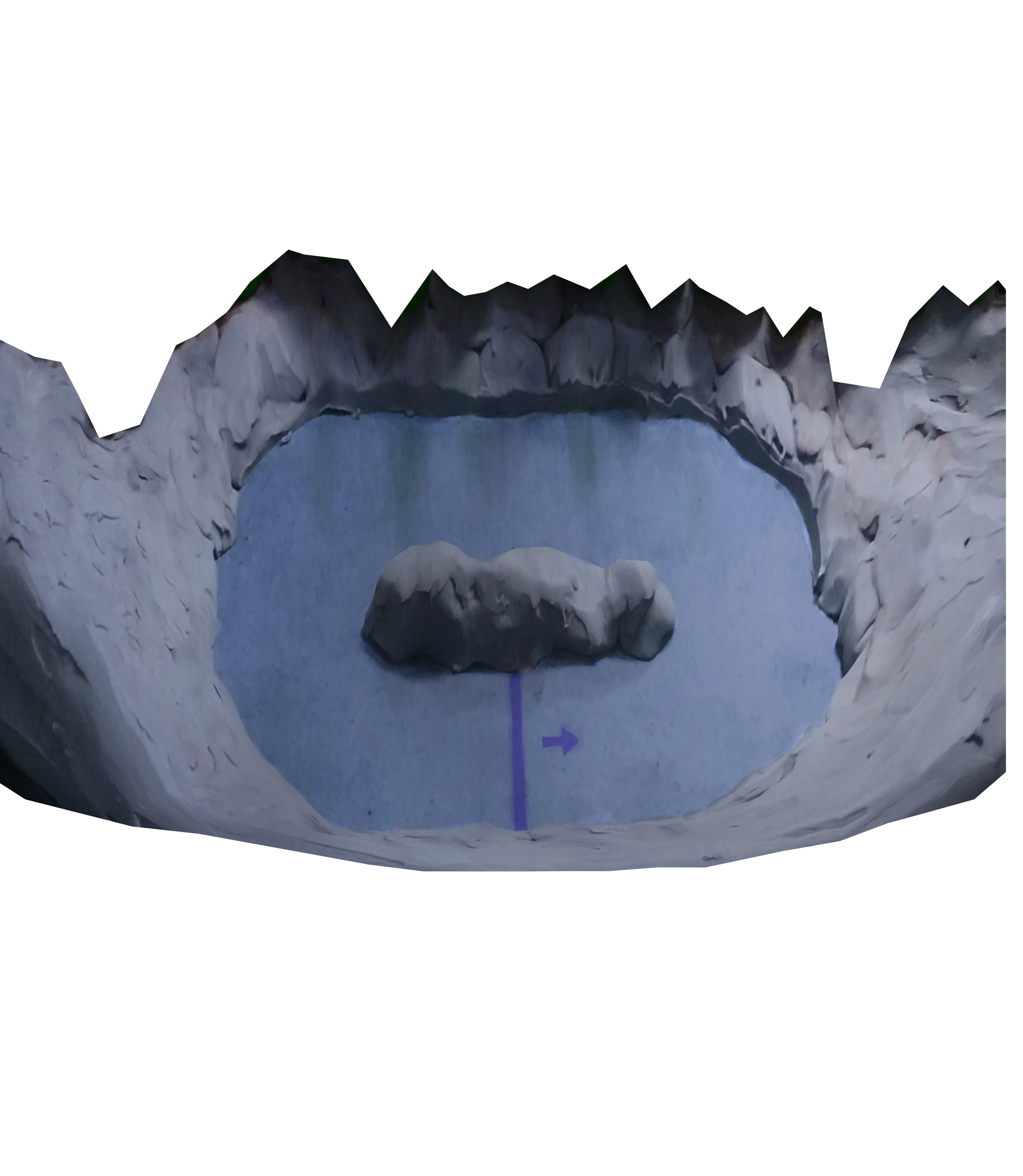
Lake Frigid

LakeFrigid Top ViewLakeFrigid Front ViewLakeFrigid Oblique View

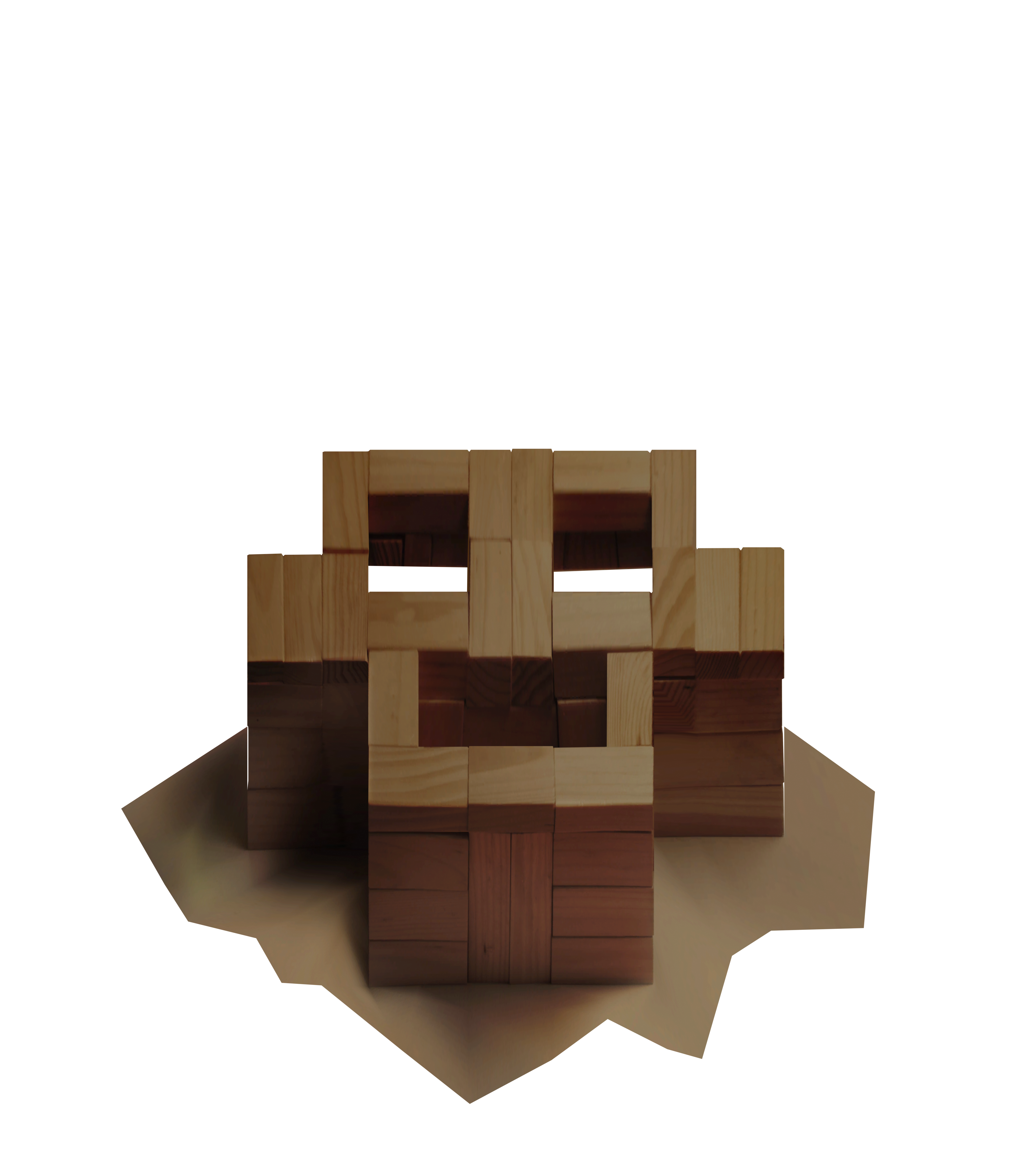
Monkey Face

MonkeyFace Top ViewMonkeyFace Front ViewMonkeyFace Oblique View

Rampage

Rampage Top ViewRampage Front ViewRampage Oblique View

Roundabout

Roundabout Top ViewRoundabout Front ViewRoundabout Oblique View

Step Right Up

StepRightUp Top ViewStepRightUp Front ViewStepRightUp Oblique View

The Pad

ThePad Top ViewThePad Front ViewThePad Oblique View

Tip Top

TipTop Top ViewTipTop Front ViewTipTop Oblique View

Tower D

TowerD Top ViewTowerD Front ViewTowerD Oblique View

Zig Zag

ZigZag Top ViewZigZag Front ViewZigZag Oblique View

Combined

The combined view lets you compare features across all maps. The steps to import the combined projection is the same as before. Just set the image size to 106m.
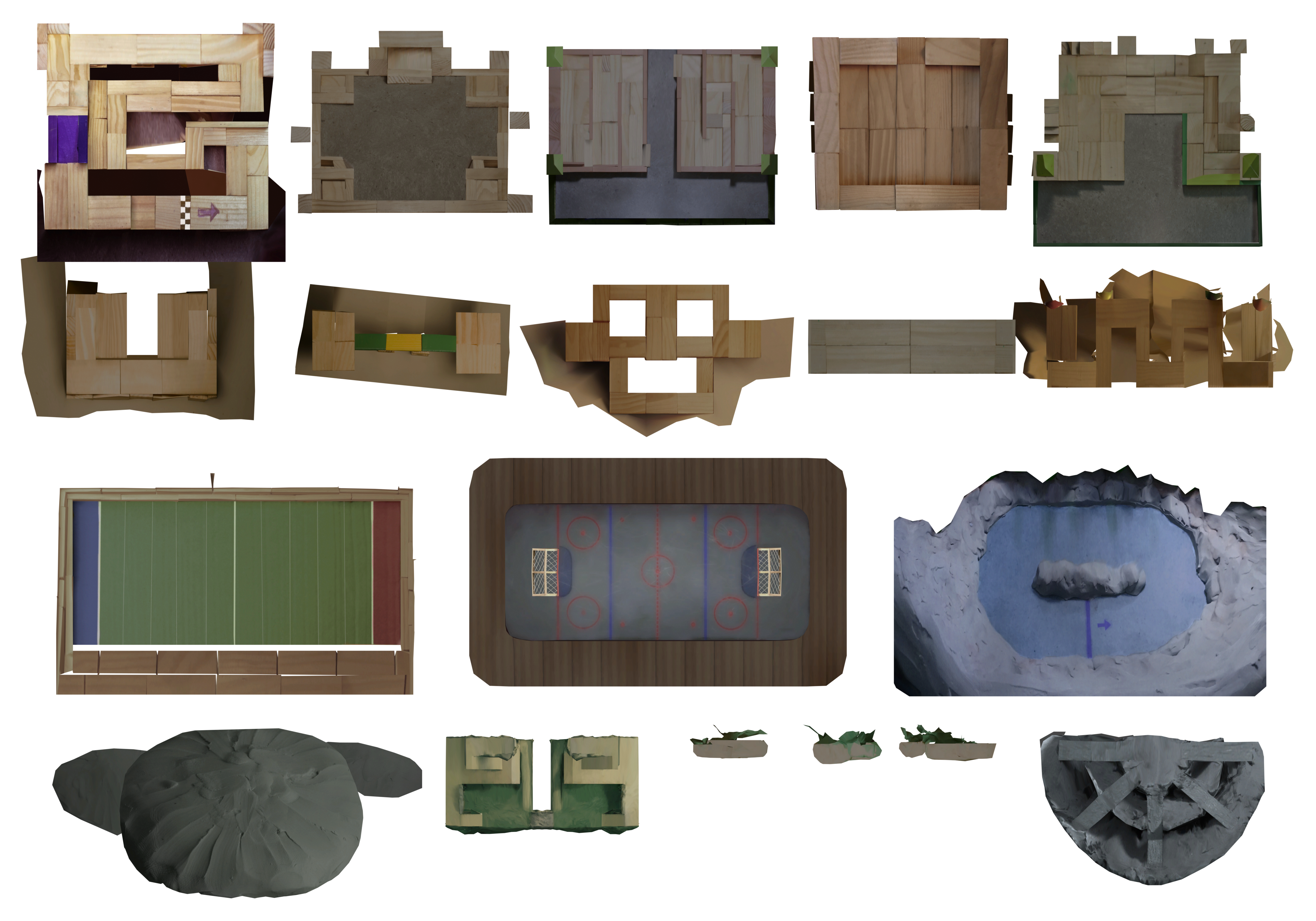
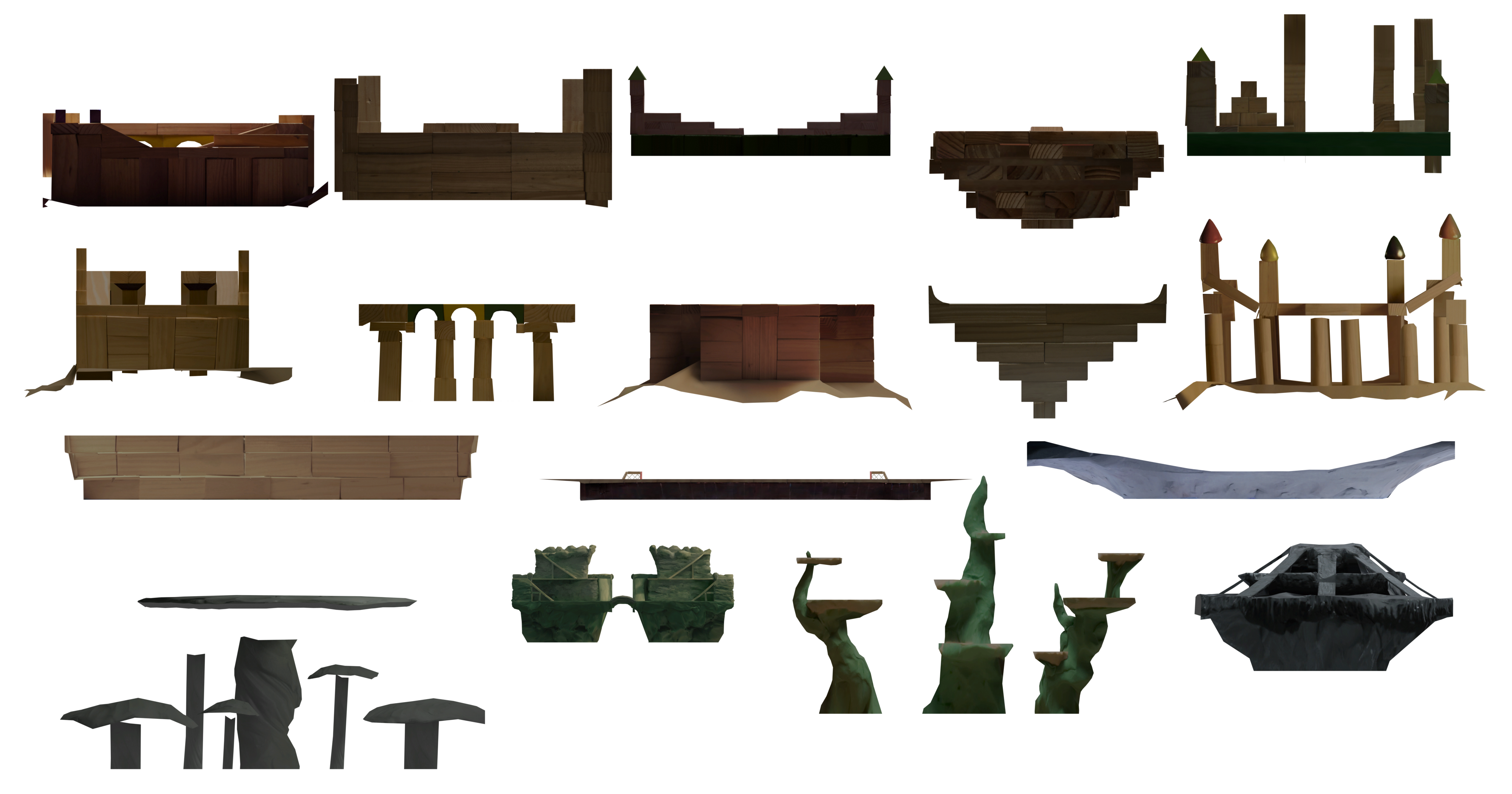
Combined Top ViewCombined Front ViewCombined Oblique View

Released under the CC-BY License.